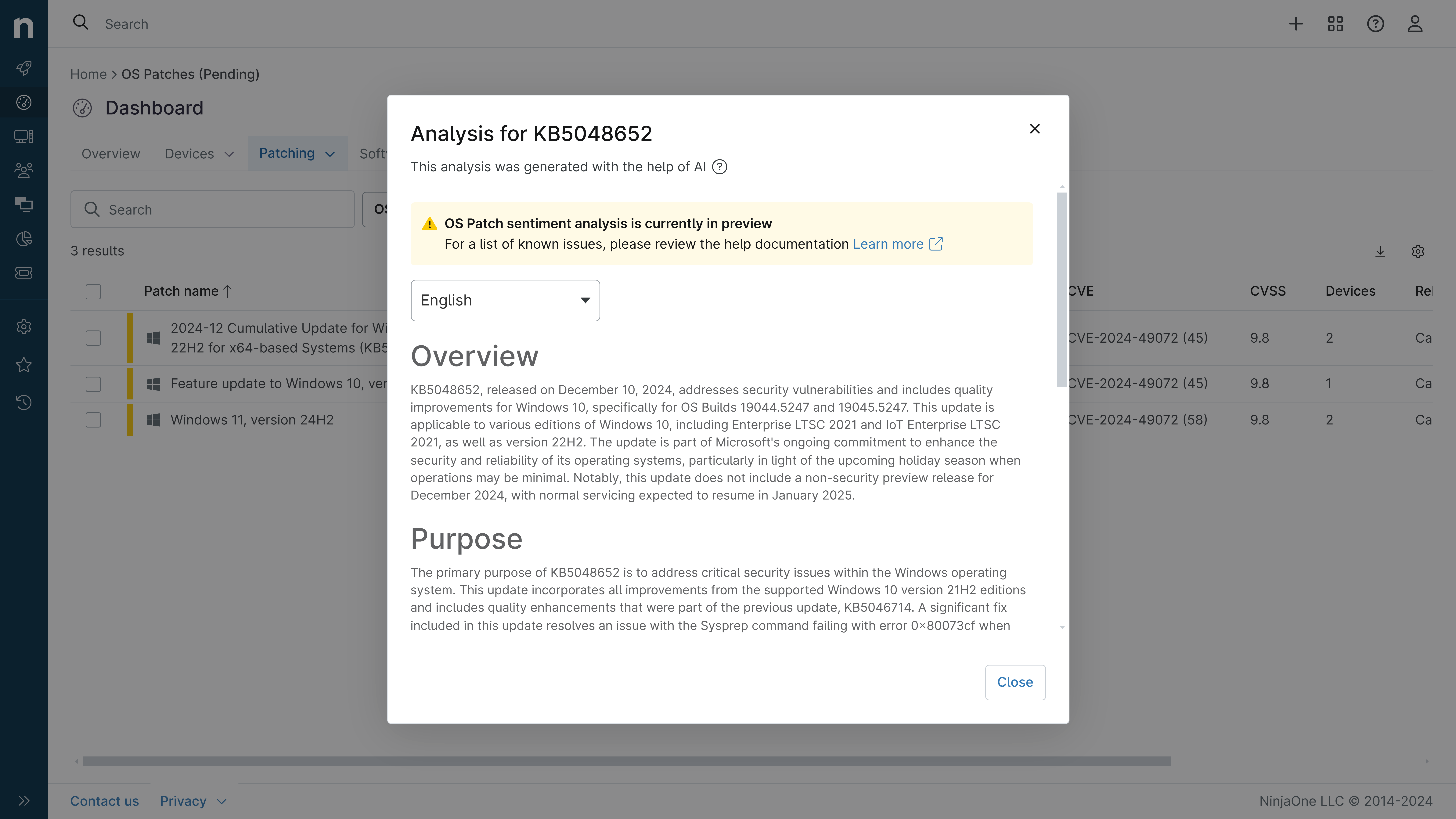
KB5095051: Overview with user sentiment and feedback
Last Updated July 28, 2026
Probability of successful installation and continued operation of the machine
Overview
KB5095051 is a cumulative update for Windows 11 version 26H1 released on June 9, 2026 (OS Build 28000.2269). This update delivers the latest security patches and quality improvements, incorporating features from previous optional preview releases. It applies to all editions of Windows 11 version 26H1 and includes updates to AI components for Copilot+ PCs.
General Purpose
- BitLocker Reliability: Enhances BitLocker Drive Encryption testing by ensuring all required files are available for USB BIOS logo testing
- Folder Customization Security: Implements security hardening for desktop.ini file processing to strengthen system protection
- AI Component Updates: Updates Image Search, Content Extraction, Semantic Analysis, and Settings Model components (version 1.2604.515.0)
- Servicing Stack Improvements: Includes Windows 11 servicing stack update (KB5101277) to ensure robust update delivery mechanisms
- Security Vulnerabilities: Addresses multiple security vulnerabilities documented in June 2026 Security Updates
General Sentiment
Community reception for this patch is mixed due to identified issues. While the update provides important security fixes and reliability improvements, two notable problems emerged shortly after release. The Office application compatibility issue affected third-party applications using OLE automation, and the Recycle Bin file name display bug impacted user experience. However, Microsoft has been responsive, providing workarounds and releasing fixes in subsequent updates (KB5101649 and KB5095091), demonstrating active issue management.
Known Issues
- Microsoft Office applications might fail to open from certain third-party apps (affects CCH Engagement, Workpaper Manager, Dentrix, Softdent, Zotero, and similar applications using OLE automation; resolved in KB5101649 released July 14, 2026)
- Deleting from Recycle Bin displays internal file name (shows $Rxxxxx.ext instead of original filename in confirmation dialog; addressed in KB5095091)
Disclaimer: We take measures to ensure that AI-generated content is of the highest possible quality, but we cannot guarantee its accuracy and recommend that users do their own independent research. Generated on 2026-07-28 07:09 PM