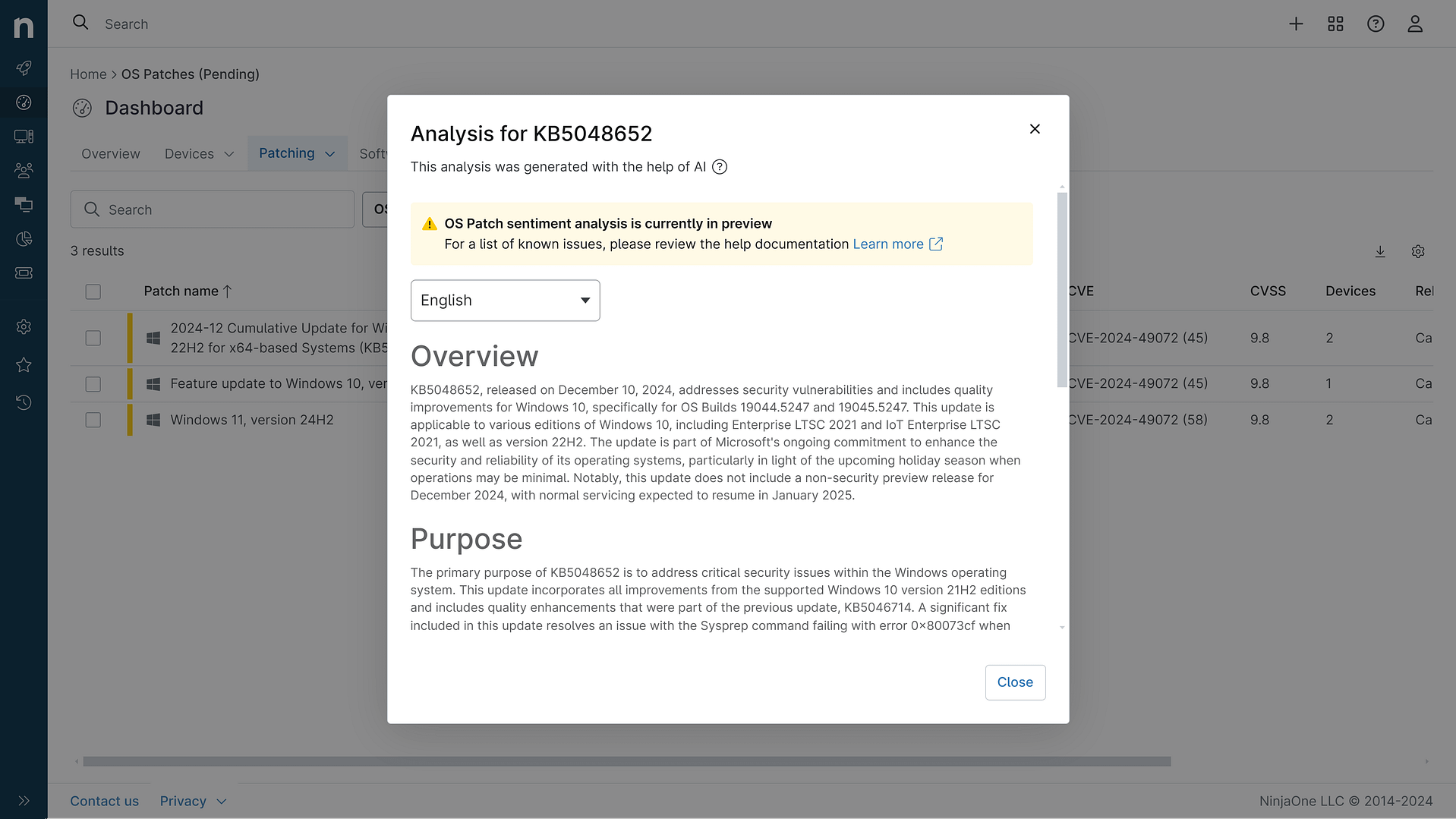
KB5094128: Overview with user sentiment and feedback
Last Updated July 30, 2026
Probability of successful installation and continued operation of the machine
Overview
KB5094128 is a cumulative security update for Windows Server 2022 released on June 9, 2026 (OS Build 20348.5256). This update includes the latest security fixes and quality improvements, along with non-security updates from the previous month's optional preview release. It addresses multiple security vulnerabilities and introduces enhancements to system components including Secure Boot, File Explorer, and Windows Push Notification Services.
General Purpose
- Secure Boot enhancements: Improved device targeting for automatic certificate delivery and added LimitSecureBootRequiredServiceData Group Policy for controlling telemetry
- File Explorer improvements: Enhanced search functionality with support for Chinese text and UTF-8 encoded files, improved text display consistency
- Windows Push Notification Services (WNS) fix: Resolved issues causing Microsoft Outlook and other WNS-dependent applications to hang or stop responding
- Folder customization security hardening: Enhanced security processing of desktop.ini files, which may affect custom folder icons and localized folder names for downloaded content
- Windows Security app updates: Real-time Secure Boot status visibility improvements
- Font and text improvements: Added Saudi Riyal currency symbol to Windows fonts
General Sentiment
Community reception has been mixed with significant technical concerns. While the update addresses important security vulnerabilities and fixes the WNS hanging issue affecting Outlook, administrators have reported a critical metadata error where the published CSV file lists ntoskrnl.exe version as 10.0.20348.5257 instead of the correct 10.0.20348.5256. This discrepancy caused vulnerability scanners like Tenable to incorrectly flag fully patched systems as vulnerable, creating confusion in patch management workflows. Microsoft acknowledged and corrected this documentation error on June 17, 2026, but the incident highlighted coordination issues between patch release and scanner detection logic.
Known Issues
- Devices with unrecommended BitLocker Group Policy configurations (with PCR7 validation enabled) may require BitLocker recovery key entry on first restart after installation
- Windows Server Update Services (WSUS) does not display synchronization error details after installing this update (temporary removal to address CVE-2025-59287)
- Microsoft Office applications may fail to open from certain third-party applications using OLE automation (CCH Engagement, Workpaper Manager, Dentrix, Softdent, Zotero affected)
- Recycle Bin deletion confirmation dialog displays internal file names (e.g., $Rxxxxx.ext) instead of original file names
- OneDrive shortcut in File Explorer may not work when File Explorer runs with administrative privileges
- Custom folder icons or localized folder names may not appear for content from downloaded or remote locations due to security hardening of desktop.ini processing
Disclaimer: We take measures to ensure that AI-generated content is of the highest possible quality, but we cannot guarantee its accuracy and recommend that users do their own independent research. Generated on 2026-07-30 07:31 PM