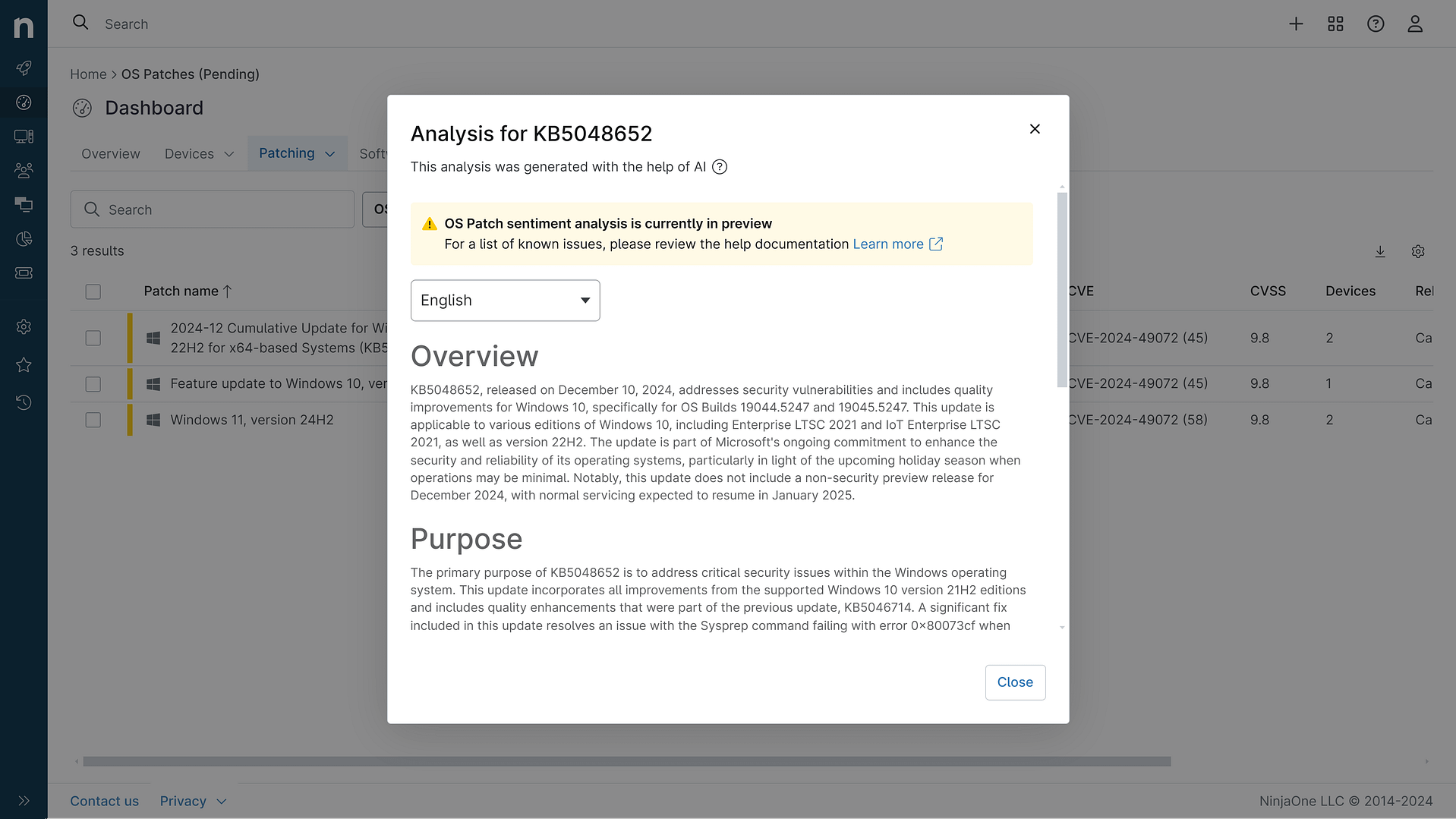
KB5082417: Overview with user sentiment and feedback
Last Updated May 31, 2026
Probability of successful installation and continued operation of the machine
Overview
KB5082417 is a cumulative security and reliability update for the .NET Framework, specifically targeting .NET Framework 3.5 and 4.8.1 on Windows 11 version 25H2 and Microsoft Server Operating System 24H2. Released on April 14, 2026, this patch addresses multiple security vulnerabilities and includes quality improvements to enhance system stability and performance.
The update encompasses six distinct security vulnerabilities ranging from remote code execution threats to information disclosure risks, along with targeted reliability enhancements for Windows Communication Foundation (WCF) services. Microsoft recommends applying this update as part of standard maintenance routines to ensure systems remain protected against the identified threats.
According to Microsoft's official documentation, there are currently no known issues associated with this update. The patch is distributed through multiple channels including Windows Update, Microsoft Update, the Microsoft Update Catalog, and Windows Server Update Services (WSUS), making it readily accessible to enterprise and consumer environments.
General Purpose
This cumulative update delivers critical security patches to the .NET Framework runtime environment. The primary focus addresses a remote code execution vulnerability (CVE-2026-32178) that could allow attackers to execute arbitrary code through specially crafted .NET applications. Additionally, the patch mitigates four denial-of-service vulnerabilities that could crash or degrade .NET services, a security feature bypass vulnerability that could undermine protective mechanisms, and an information disclosure vulnerability that could expose sensitive data.
Beyond security enhancements, the update includes a quality improvement for Windows Communication Foundation services, specifically resolving an issue where WCF NamedPipe services would fail when running inside Win32 application containers on Windows 11 and Windows Server 2025. This reliability fix ensures that containerized .NET applications can properly utilize named pipe communication channels without encountering runtime errors. The update requires that either .NET Framework 3.5 or 4.8.1 be present on the system, and a system restart is necessary following installation if any affected files are currently in use.
General Sentiment
Community sentiment regarding KB5082417 is notably mixed, with a significant divergence between official Microsoft documentation and real-world user experiences. Microsoft's official stance presents the update as stable with no acknowledged known issues, which aligns with the patch's security importance and the absence of reported problems in controlled environments.
However, community discussions reveal a concerning pattern of network connectivity issues affecting some users post-installation. Multiple users on Microsoft Q&A forums reported that File Explorer's network discovery functionality became unreliable, with network devices failing to appear in the Network folder despite remaining accessible via direct UNC paths. While Microsoft moderators initially attributed these issues to environmental factors rather than the patch itself, the temporal correlation between the update's release and problem onset suggests a potential connection.
Interestingly, some users reported that subsequent cumulative updates (particularly KB5085516 and later) resolved their networking issues, indicating that KB5082417 may have introduced a regression that was addressed in follow-up patches. The workarounds discovered by users—including network stack resets, disabling specific startup applications, and adjusting SMB security settings—suggest the issue stems from network stack or discovery service interactions rather than a fundamental framework flaw. This pattern suggests the update is fundamentally sound but may interact problematically with certain network configurations or third-party devices, particularly those with non-compliant SMB implementations.
Known Issues
- Microsoft officially reports no known issues with this update as of the release date
- Community reports indicate potential network discovery issues in File Explorer on some systems, though these are not officially acknowledged by Microsoft and may be resolved by subsequent cumulative updates
- Users experiencing network folder visibility problems report that devices remain accessible via direct UNC paths, suggesting the issue is limited to discovery mechanisms rather than core connectivity
Disclaimer: We take measures to ensure that AI-generated content is of the highest possible quality, but we cannot guarantee its accuracy and recommend that users do their own independent research. Generated on 2026-05-31 01:50 PM