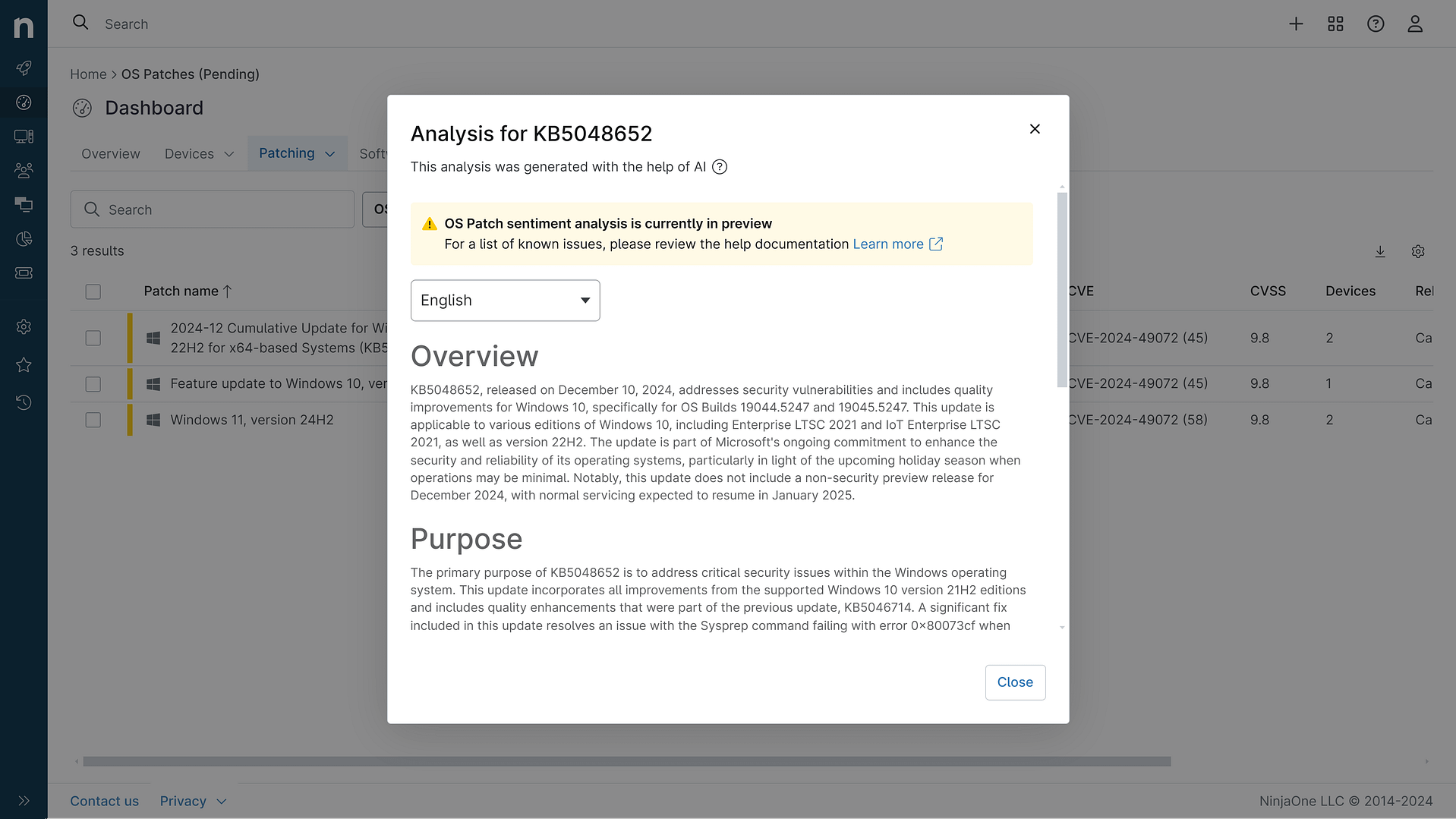
KB5079489: Overview with user sentiment and feedback
Last Updated April 30, 2026
Probability of successful installation and continued operation of the machine
Overview
KB5079489 represents a non-security preview update for Windows 11 version 26H1, released on March 26, 2026, with OS Build 28000.1764. This cumulative update delivers production-quality improvements and introduces several new features alongside reliability enhancements across multiple system components. The update is distributed through a phased rollout approach, allowing features to reach devices gradually rather than simultaneously, ensuring broader compatibility and stability across diverse hardware configurations.
This update encompasses a comprehensive range of enhancements spanning user interface improvements, system reliability, and enterprise-focused features. The patch includes updates to AI components such as Image Search, Content Extraction, Semantic Analysis, and Settings Model, though these AI-specific enhancements are limited to Windows Copilot+ PCs. Additionally, the update incorporates a servicing stack update (KB5085536) to ensure robust update installation mechanisms. The combination of feature additions and targeted bug fixes positions this update as a substantial maintenance release for the Windows 11 ecosystem.
General Purpose
KB5079489 serves as a comprehensive quality and feature update for Windows 11 version 26H1 systems. The update introduces native System Monitor (Sysmon) functionality directly into Windows, enabling enhanced threat detection and system event monitoring without requiring third-party tools. Users gain access to new emoji support (Emoji 16.0), improved backup and restore capabilities through Windows Backup for Organizations, and expanded Quick Machine Recovery features that now activate automatically on non-domain-joined Professional devices.
The update significantly enhances user productivity through taskbar improvements, including better window management in uncombined mode and a built-in network speed test accessible from Quick Settings. Remote Server Administration Tools (RSAT) now extend support to ARM64-based devices, broadening administrative capabilities for IT professionals. Performance optimizations target critical system services, particularly the printing subsystem (spoolsv.exe), which receives improvements to handle high-volume printing scenarios more efficiently. Display-related enhancements focus on sleep state reliability and resume performance, while File Explorer gains new functionality including archive extraction capabilities and improved network device visibility. The update also introduces camera pan-and-tilt controls, WebP desktop background support, and enhanced search preview capabilities, collectively addressing both enterprise requirements and consumer usability expectations.
General Sentiment
The sentiment surrounding KB5079489 is notably positive, driven by the absence of reported known issues and Microsoft's explicit statement that no current problems have been identified with this update. The update's focus on quality improvements and feature additions without introducing breaking changes contributes to favorable reception prospects. The inclusion of native Sysmon functionality addresses long-standing enterprise security requirements, while the expansion of RSAT to ARM64 devices demonstrates Microsoft's commitment to supporting diverse hardware architectures.
However, potential considerations warrant attention. As a preview update distributed through gradual rollout, early adopters may encounter edge cases not yet identified in broader testing phases. The integration of multiple new features, particularly native Sysmon and enhanced AI components, introduces additional complexity that could theoretically impact system behavior in specific configurations. The update's reliance on phased deployment suggests Microsoft is exercising caution despite the absence of documented issues. Enterprise environments should note that while the update appears stable, the preview designation indicates it may still undergo refinement before reaching general availability status. The practical implementation of new features like camera pan-and-tilt controls and WebP background support, while user-friendly, represents additional code paths that could theoretically introduce compatibility issues with specialized hardware or legacy applications, though no such issues have been reported.
Known Issues
- No known issues have been identified by Microsoft for this update as of the release date.
Disclaimer: We take measures to ensure that AI-generated content is of the highest possible quality, but we cannot guarantee its accuracy and recommend that users do their own independent research. Generated on 2026-04-30 01:30 PM