KB5077241: Overview with user sentiment and feedback
Last Updated March 31, 2026
Probability of successful installation and continued operation of the machine
Overview
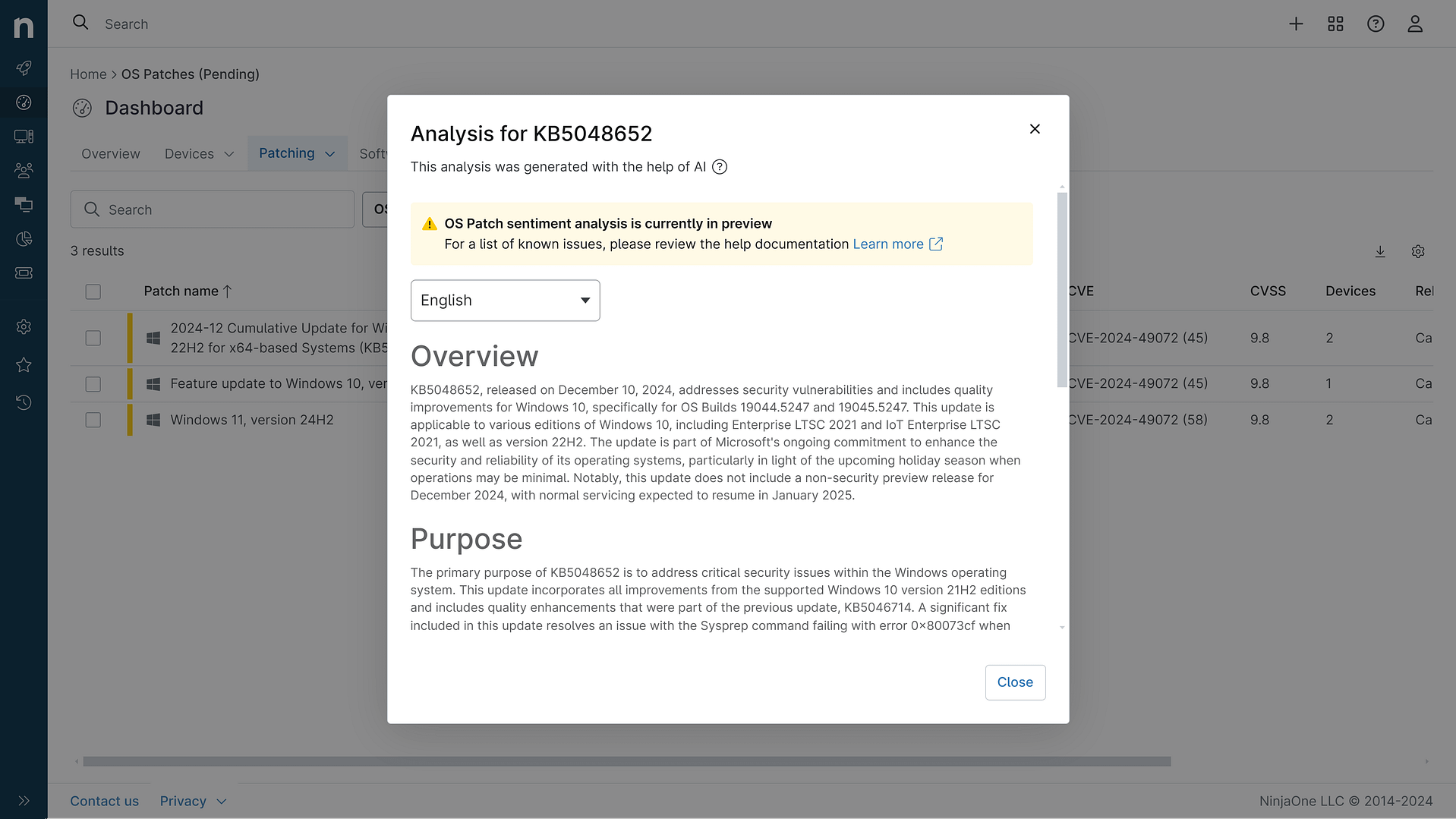
This non-security update for Windows 11, version 25H2 and 24H2 (KB5077241), improves functionality, performance, and reliability. The update is available through two release phases: gradual rollout and normal rollout. The gradual rollout delivers the update in phases, so features reach devices over time instead of all at once. The normal rollout is the broad release to all eligible devices at the same time, usually when it reaches general availability (GA).
General Purpose
This update introduces several new features and enhancements for Windows 11 PCs, including AI-powered capabilities, continuous innovation, and performance improvements. Key changes include:- New Emoji 16.0 release with a small thoughtfully curated set of new emojis- First sign-in restore experience now part of Windows Backup for Organizations, bringing this restore capability to more device types- Quick Machine Recovery (QMR) now turns on automatically for Windows Professional devices that are not domain-joined and not enrolled in enterprise endpoint management- A built-in network speed test is now available from the taskbar- The account menu on the Start menu now includes a new option that directs you to the benefits page- You can control pan and tilt for supported cameras in the Settings app- Windows now brings System Monitor (Sysmon) functionality natively to WindowsThe update also includes various improvements across Windows, such as better reliability for BitLocker, the Windows printing service, File Explorer, and display-related performance.
General Sentiment
The general sentiment towards this update seems mixed. While it introduces several new features and improvements, some users have reported issues with the installation process and compatibility problems on certain hardware configurations. There are concerns that some of the new AI-powered capabilities may not be fully optional, with users wanting more control over what gets installed. Additionally, there are still longstanding complaints about the inability to move the taskbar or customize the Start menu to the extent that was possible in previous versions of Windows.Overall, the update appears to be a step in the right direction for Windows 11, but there are still areas where Microsoft could improve the user experience and provide more flexibility and customization options for its customers.
Known Issues
Microsoft is not currently aware of any known issues with this update.
Disclaimer: We take measures to ensure that AI-generated content is of the highest possible quality, but we cannot guarantee its accuracy and recommend that users do their own independent research. Generated on 2026-03-31 07:17 AM