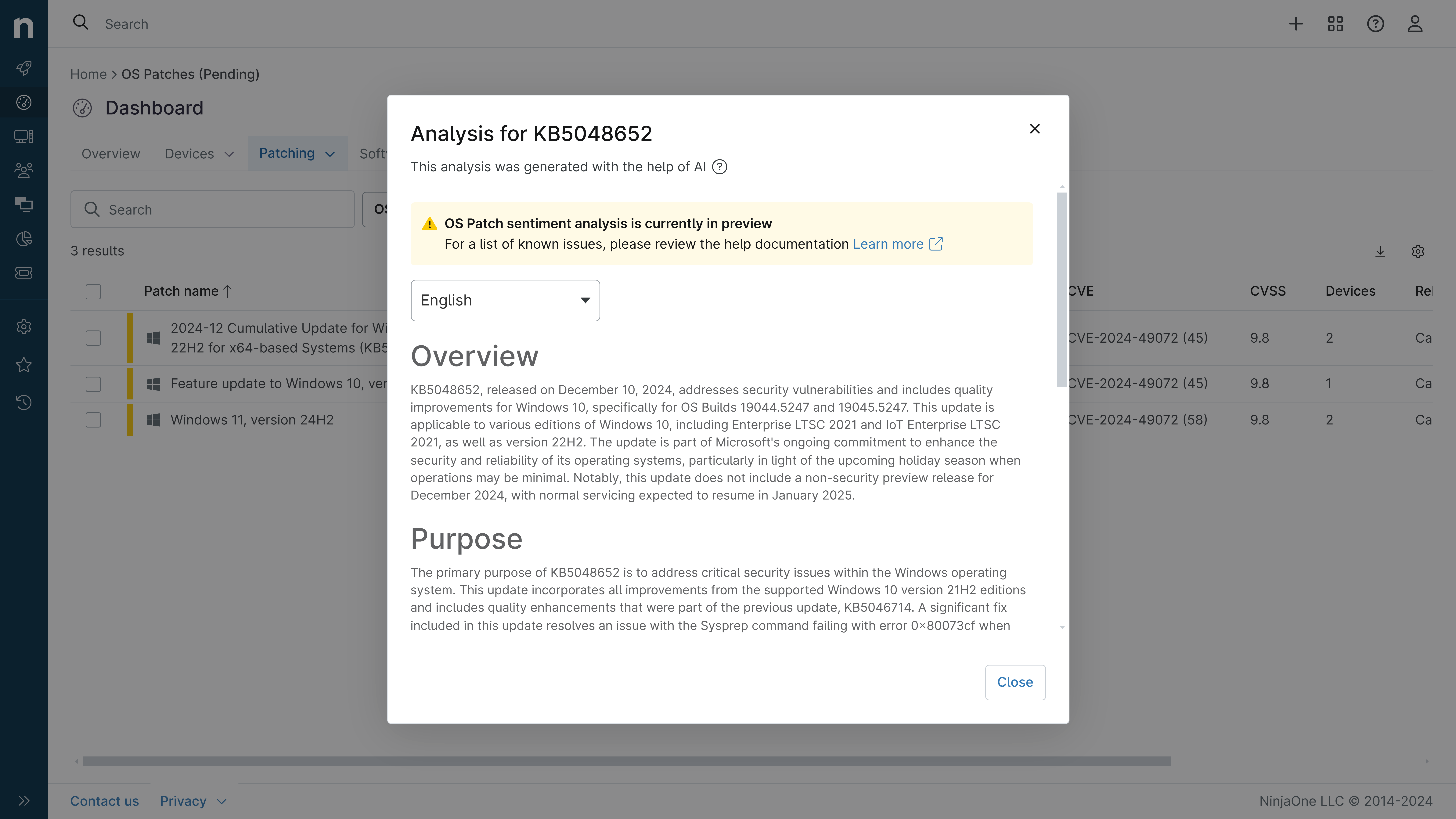
KB5099536: Overview with user sentiment and feedback
Last Updated August 31, 2026
Probability of successful installation and continued operation of the machine
Overview
KB5099536 is a cumulative security update for Windows Server 2025 released on July 14, 2026 (OS Build 26100.33158). This update includes the latest security fixes and quality improvements, along with non-security updates from the previous month's optional preview release. The update addresses multiple system components and introduces new security capabilities including post-quantum cryptography support.
General Purpose
- Secure Boot Certificate Updates: Expands device targeting data to increase coverage of devices receiving new Secure Boot certificates, addressing certificates set to expire in June 2026
- Application Compatibility: Fixes issues affecting third-party applications using OLE Automation to interact with Microsoft Office that were introduced in KB5094125
- Cryptography Enhancements: Adds support for hybrid post-quantum cryptography (PQC) key exchange in TLS 1.3 and composite cryptographic formats combining traditional and post-quantum algorithms
- Container Performance: Improves startup performance for Hyper-V-isolated Windows Server containers with updated base images available through Microsoft Container Registry
- Security Hardening: Introduces automatic detection of insecure DKM container ACL configurations in AD FS with opt-in remediation, and adds SHA-2 certificate thumbprint support for RDP publishers
- System Reliability: Addresses memory leaks in graphics kernel drivers and improves Event Log reliability on event collector servers
General Sentiment
The update presents a balanced security and stability profile with significant improvements in cryptographic capabilities and application compatibility. While the patch addresses critical issues from the previous month's update and introduces forward-looking security enhancements for post-quantum threats, it introduces some compatibility considerations. The networking security hardening change that enforces TDI transport registration requirements may affect certain third-party applications using unregistered transports. Overall, this appears to be a maintenance release focused on fixing regressions and improving security posture rather than introducing major new features.
Known Issues
- Apps (Fixed): Addressed an issue where certain third-party apps using OLE Automation to interact with Microsoft Office might fail to launch Office or open documents after KB5094125
- File Explorer (Fixed): Fixed an issue where the OneDrive shortcut in File Explorer stops working when File Explorer is run with administrative mode
- Recycle Bin (Fixed): Addressed an issue where the confirmation dialog might display an internal Recycle Bin file name instead of the original file name when permanently deleting a file
- Input/Hotkeys: In rare cases, some built-in Windows experiences relying on previous hotkey lifecycle behavior might temporarily stop responding to certain keyboard shortcuts; typically resolved by restarting the affected app
- Networking - Third-party TDI Transports: Applications using sockets over unregistered third-party TDI transports might stop working due to security hardening that enforces TDI transport registration requirements
- WSUS Error Reporting: Windows Server Update Services (WSUS) does not display synchronization error details after installing KB5070881 or later updates (temporarily removed to address CVE-2025-59287)
Disclaimer: We take measures to ensure that AI-generated content is of the highest possible quality, but we cannot guarantee its accuracy and recommend that users do their own independent research. Generated on 2026-08-31 07:41 PM