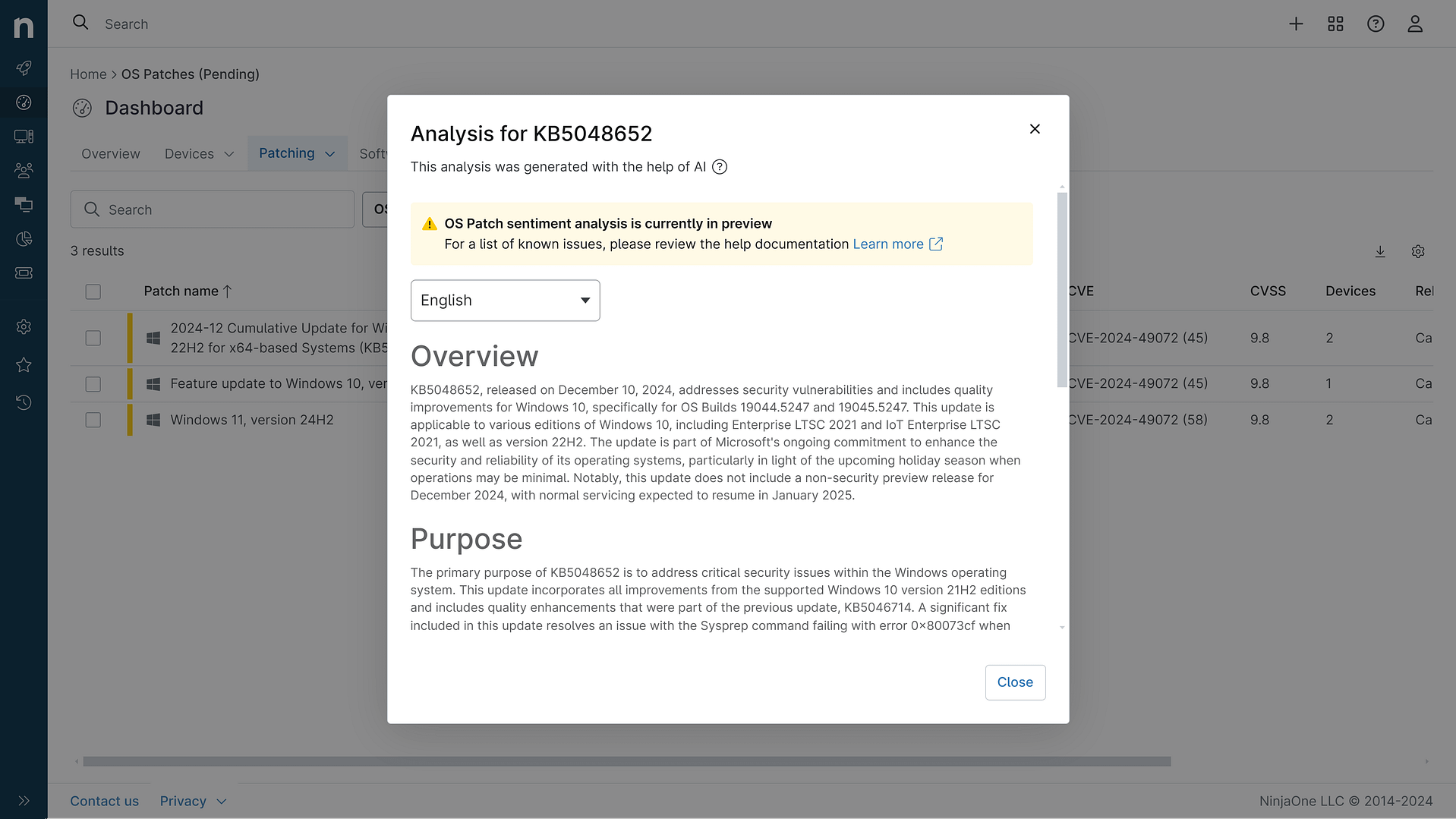
KB5062624: Overview with user sentiment and feedback
Last Updated September 30, 2025
Probability of successful installation and continued operation of the machine
Overview
The KB5062624 is a Monthly Rollup update for Windows Server 2008, scheduled for release on July 8, 2025. This update includes security fixes and quality improvements, particularly focusing on the Microsoft RPC Netlogon protocol to enhance security by tightening access checks for remote procedure call requests. It also addresses the expiration of Windows Secure Boot certificates, which could potentially disrupt secure booting if not updated in time. Additionally, this update aligns with the end of support for Windows Server 2008, urging users to upgrade to a later version to avoid security risks.
General Purpose
The primary purpose of KB5062624 is to provide security enhancements and quality improvements for Windows Server 2008. It specifically addresses vulnerabilities in the Microsoft RPC Netlogon protocol, which improves security by restricting certain RPC requests. This update also includes preparations for the expiration of Windows Secure Boot certificates to ensure continued secure booting. Moreover, it serves as a reminder of the impending end-of-support for Windows Server 2008, encouraging users to migrate to newer versions.
General Sentiment
The general sentiment towards KB5062624 is cautiously positive, given its focus on security enhancements and necessary updates to avoid potential disruptions. However, the reminder of the end-of-support for Windows Server 2008 adds a layer of urgency and caution. While the update aims to improve security and system stability, users are advised to ensure they meet all prerequisites and are aware of the known issues to avoid potential complications during installation.
Known Issues
- After installing this update and restarting your device, you might receive the error, 'Failure to configure Windows updates. Reverting Changes. Do not turn off your computer', and the update might show as Failed in Update History.
- This issue is expected if you are installing this update on a device that is running an edition that is not supported for ESU.
- If you do not have an ESU MAK add-on key installed and activated, you might encounter this issue.
- If you have an ESU key and have encountered this issue, please verify you have applied all prerequisites and that your key is activated.
Disclaimer: We take measures to ensure that AI-generated content is of the highest possible quality, but we cannot guarantee its accuracy and recommend that users do their own independent research. Generated on 2025-09-30 01:30 AM