


Key Points
- WAN Routers Control Reachability, Performance, Security Across Every Site: Every packet entering or leaving a site passes through them. This makes routing design directly responsible for how distributed applications behave.
- Routing Design Determines Resilience, Not Just Connectivity: Poorly planned routing creates fragile paths and unpredictable failover. Dynamic protocols are crucial as sites and links grow.
- Hardware Selection Needs to Reflect Real Feature Load: Throughput under encryption, QoS, and deep packet inspection are significantly different from raw forwarding capacity. Sizing based on peak specs lead to undersized deployments.
- WAN Designs Can be Kept in Shape Through Operational Discipline: Change control, configuration backups, and periodic policy reviews prevent ad hoc changes and stale routing policies from accumulating over time.
Enterprise WAN routers sit at the heart of modern Wide Area Networks, connecting campuses, branches, data centers, and cloud environments over long‑distance links. They determine how traffic moves between regions, how resilient the network is to outages, and how well distributed applications perform under real‑world load.
Because of that central role, thinking about WAN routers only as “boxes that connect sites” is not enough. The rest of this article looks at what these devices actually do, why routing choices are key, and how to approach a first deployment in terms of design, hardware selection, integration, and ongoing operations.
What enterprise WAN routers do
Enterprise WAN routers are the edge devices that connect local site networks to wide area links such as dedicated circuits, carrier MPLS, broadband, and cellular connections. They terminate those links, handle routing, and decide which paths traffic should take between locations.
Their core functions typically include:
- Connecting site LANs to WAN circuits and internet links so local traffic can reach remote offices, data centers, and cloud resources.
- Routing traffic between on‑premises and cloud locations, often over IPsec VPNs, SD‑WAN overlays, or provider networks.
- Applying traffic policies such as QoS, rate limiting, and traffic shaping to prioritize business‑critical applications over less important flows.
- Supporting secure site‑to‑site connectivity via VPNs, route filtering, and integration with firewalls or built‑in security features.
In practice, they act as the gateway for region‑to‑region communication: every packet leaving or entering a site passes through them, making them a central control point for reachability, performance, and security.
Why WAN routing matters for enterprises
Routing design in the WAN is what turns a set of circuits and links into a coherent, reliable network. Poorly planned routing can leave certain sites reachable only through fragile paths, introduce unnecessary latency, or cause traffic to hairpin through distant hubs instead of taking direct routes.
Well‑designed WAN routing helps:
- Maintain connectivity across geographic boundaries even when individual links or providers fail, by using alternative paths and dynamic rerouting.
- Reduce latency for distributed applications by steering traffic along efficient routes and keeping delay‑sensitive workloads on the best available links.
- Provide clear, predictable failover behavior so branches, factories, and remote workers can continue operating through outages and maintenance events.
- Meet performance expectations for voice, video, ERP, and SaaS by combining path selection with QoS and bandwidth management.
Without deliberate WAN routing, distributed services tend to become slow, unreliable, or unpredictable, especially as more applications move to the cloud and traffic patterns grow more complex.
Key design considerations
Planning a first enterprise WAN router deployment means thinking through both the business requirements and the technical constraints of your environment. Several areas deserve early attention.
Bandwidth requirements
Estimate current and projected traffic between sites, data centers, and cloud regions, broken down by application class where possible. Under‑provisioned bandwidth leads to chronic congestion and forces the router to drop or heavily queue packets, which users experience as slowness and voice/video quality issues.
Redundancy and failover
Decide which sites require dual routers, dual links, or diverse providers, and design routing so that traffic automatically shifts when a path fails. Even small hubs may need at least two WAN circuits or an LTE backup to support critical operations during provider outages.
Routing protocols
Choose between static routes, dynamic routing (such as OSPF, EIGRP, or BGP), or a hybrid model. Static routes may be acceptable for a few sites, but dynamic routing usually becomes necessary as the WAN grows, enabling automatic path selection and convergence when links change.
Policy enforcement and QoS
Define how to prioritize real‑time traffic (voice, video, control systems) versus bulk data (backups, software distribution). WAN routers are often where QoS policies are enforced, so design class maps and queuing strategies before deployment, not as an afterthought.
Security integration
Clarify how WAN routers will interact with firewalls, VPN gateways, and segmentation policies. Many enterprises terminate IPsec tunnels, apply ACLs, and enforce VRF‑based segmentation on the WAN edge, so those functions must align with the overall security architecture.
Taken together, these factors shape both hardware selection and configuration strategy, and they determine whether the environment scales gracefully or becomes brittle as new sites are added.
Hardware selection guidance
Choosing WAN router hardware is more than matching speeds and feeds; it is about ensuring the platform can sustain required performance under real feature usage and can evolve with the network.
Key points to consider include:
Throughput and concurrent sessions
Look at real‑world performance numbers with the features you plan to enable—such as encryption, deep packet inspection, and QoS—not just raw forwarding capacity. Ensure the router can handle peak loads with headroom for growth and unexpected spikes.
Interface options and link types
Confirm support for the physical media you intend to use: Ethernet hand‑offs from ISPs, fiber, legacy serial links, or 4G/5G modems. For dual‑provider strategies, verify that you have sufficient ports and can isolate or aggregate them as needed.
Protocol and feature support
Check that the platform supports the routing protocols (BGP, OSPF, IS‑IS), VPN technologies, and SD‑WAN or traffic‑engineering features your design calls for. For hybrid WAN or cloud‑first environments, integration with SD‑WAN controllers or cloud gateways may be a deciding factor.
Vendor support and lifecycle
Evaluate software update cadence, long‑term support offerings, and published end‑of‑sale/end‑of‑support timelines. Selecting hardware that is already near end of life can create a near‑term refresh burden and limit your ability to adopt new capabilities.
Balancing cost against performance and future growth is essential; over‑sizing every site is expensive, but under‑sizing core hubs or cloud‑connected locations can be even more costly over time.
Integration with other network areas
Enterprise WAN routing does not exist in a vacuum. It must align with how the rest of the network is built and with how applications are delivered.
Important integration points include:
MPLS and SD‑WAN overlays
Many enterprises run hybrid WANs where traditional MPLS circuits coexist with direct internet access and SD‑WAN overlays. WAN routers need to connect cleanly into these designs, participating in both underlay routing and overlay path selection as appropriate.
Network segmentation and security zones
Segmentation strategies—such as separating user, server, OT, and management traffic into distinct VRFs or VLANs—depend on consistent routing and enforcement from campus through WAN to data center or cloud. WAN routers often carry the segmentation model across sites.
LAN and campus design
The routing boundaries between access, distribution, and WAN edge influence how many routes and adjacencies each router must handle. A clean hand‑off from LAN to WAN simplifies policy application and troubleshooting.
Data center and cloud connectivity
WAN routers must integrate with data center core routers, cloud on‑ramps, and VPN gateways so that address spaces, routing policies, and failover behaviors are consistent. Misalignment here is a common source of black holes and asymmetric routing.
When these areas are designed together, the WAN feels like an extension of the enterprise network rather than a separate, fragile overlay.
Operational readiness
A technically sound WAN design can still fail in production if operational practices are weak. WAN routers sit on critical paths, so errors and drift have immediate impact.
Operational readiness should cover:
Change control and documentation
Track configuration changes, maintain current topology and design documentation, and ensure rollback plans exist for major updates. Misunderstood changes at the WAN edge are a frequent cause of wide‑scale outages.
Monitoring and alerting
Collect metrics such as interface utilization, latency, jitter, packet loss, and routing protocol status. Alerts set for link flaps, neighbor failures, and unusual traffic patterns help identify issues before they become business‑visible incidents.
Backups and recovery
Automate your configuration backups and test restore procedures so that failed devices can be replaced quickly with minimal manual intervention. Include secure storage of router credentials and keys used for VPNs.
Policy and routing review
Periodically review routing policies, prefix lists, QoS settings, and security filters to ensure they still match current topology and business requirements. As sites and applications change, stale or overly complex policies become a hidden risk.
Without this discipline, WANs tend to degrade over time: ad‑hoc changes accumulate, documentation becomes outdated, and resilience assumptions stop matching what’s really happening in the network.
Limitations and scope considerations
Enterprise WAN routing is powerful, but it does not solve every performance or reliability challenge on its own.
Key limits to keep in mind:
WAN routers cannot fully compensate for poor underlying transport; if carrier SLAs are weak or links are chronically oversubscribed, even the best routing cannot eliminate loss and jitter.
Routing design assumes a level of operator skill; dynamic protocols and complex policies can create failure modes that are hard to diagnose without experienced staff or strong automation.
WAN routing must align with broader network and security strategies, such as zero trust, cloud migration, and segmentation. Treating the WAN as an isolated design often leads to conflicting policies and operational friction.
Understanding these boundaries helps set realistic expectations and drives investment into areas like transport quality, application optimization, and operational tooling.
Common misconceptions
A few recurring misconceptions often surface in early WAN projects:
“Any router can serve as a WAN router.”
In reality, enterprise WANs demand specialized capabilities: robust dynamic routing, strong QoS, VPN scalability, high availability features, and support for multiple link types and overlays. Devices built for small office edge or basic internet access often cannot meet these requirements reliably.
“Cloud connectivity replaces Wide Area Network routers.”
While cloud providers offer managed connectivity options, organizations still need edge routing to connect users, branches, and on‑premises systems into those cloud environments. Hybrid and multi‑cloud architectures in particular depend on consistent enterprise routing at the WAN edge.
“Static routes are sufficient for most WANs.”
Static routing may work for very small, fixed topologies, but as the number of sites and links grows, dynamic routing becomes important for scalability, automatic failover, and reduced operational risk. Relying solely on static routes makes handling link failures and path changes much more manual and error‑prone.
Challenging these assumptions early helps avoid designs that cannot scale or adapt as the organization grows.
NinjaOne integration
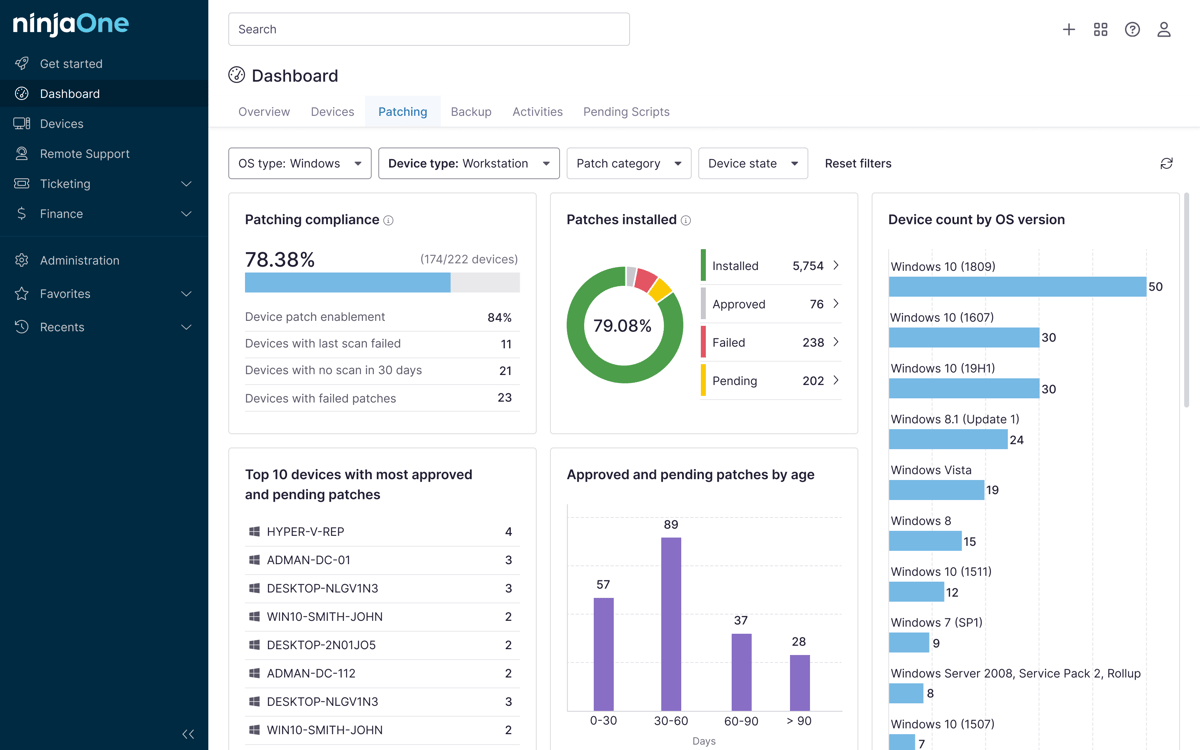
NinjaOne can support enterprise WAN operations by providing visibility into the health and performance of routers and related infrastructure across distributed environments. By monitoring CPU, memory, interface utilization, and reachability, it helps teams detect early signs of strain or failure at WAN edges.
Combined with log and event collection, this visibility makes it easier to validate that routing policies are behaving as expected and to correlate WAN‑level issues with endpoint and application behavior. That correlation is particularly valuable when troubleshooting intermittent performance problems that span multiple sites.
In summary
Enterprise WAN routers are foundational components of Wide Area Networks, responsible for stitching together sites, data centers, and cloud resources into a cohesive whole. Planning their deployment requires more than choosing a box; it involves understanding traffic patterns, resilience needs, routing strategies, and integration points with security and LAN designs.
WAN router decisions lock in performance and resilience characteristics that are difficult to change later, and that many WAN issues appear at integration points between routing, security, and transport layers rather than in any single device. Underestimating operational readiness — change control, monitoring, backups, and policy review — can turn even solid designs into fragile deployments over time. Reliable WANs ultimately depend as much on governance and observability as on the raw capabilities of the routers themselves.