
Key Points
Virtualization reduces IT costs but requires careful planning for hardware, software, and management expenses.
- Calculate hardware requirements before consolidation to avoid overloading physical servers.
- Review licensing fees for hypervisors and applications to account for customization and scaling costs.
- Plan for deployment expenses, including implementation and initial setup of virtualized systems.
- Budget for indirect costs such as training, maintenance, support, and energy consumption.
In doing your due diligence, you may be researching the cost of virtualization and whether it can truly save you money in the long run. This article will discuss several factors that you need to consider when you are weighing the costs associated with virtualization.
Understanding virtualization
Virtualization increases agility and flexibility in business operations, which is essential for successful IT organizations.
It allows the creation of multiple virtual machines (VMs) from a single physical system. A hypervisor enables this by running many VMs within one server. Each VM functions as an independent computer with its own applications and operating system while sharing the resources of the host machine.
It is worth noting that while larger enterprises more commonly use virtualization, small-to-medium-sized companies may also benefit from it.
The benefits of such a tool are extraordinary for IT teams. Not only can you streamline operations and maximize hardware utilization, but you can also significantly reduce your business’s overall costs
Server virtualization
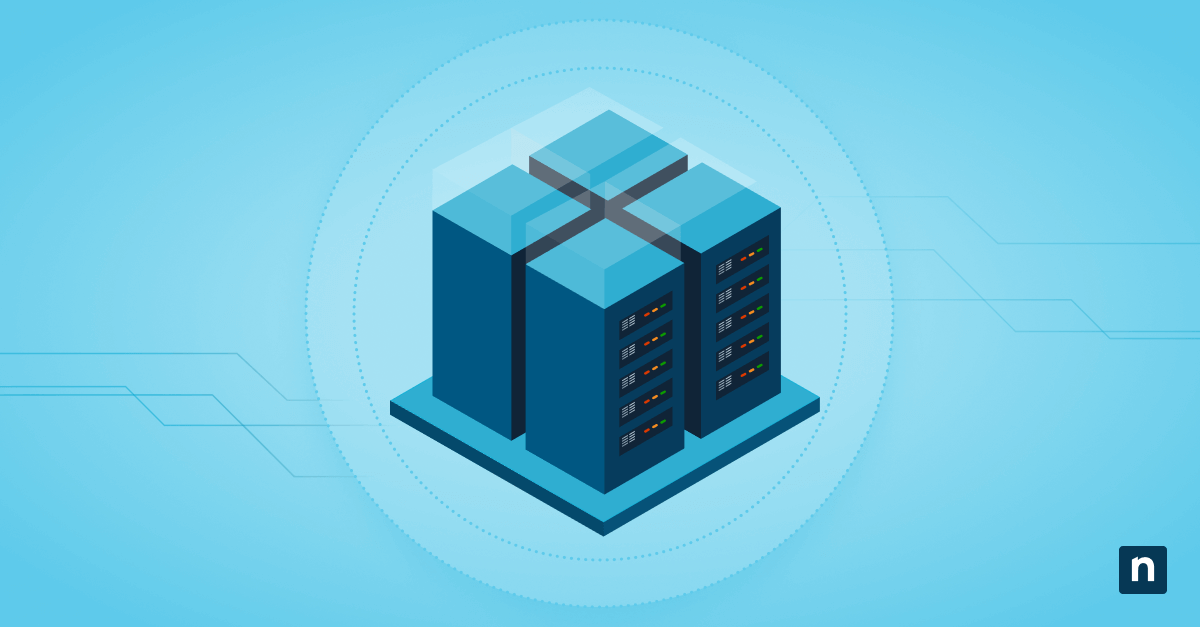
Server virtualization hosts multiple virtual servers on one physical server. For example, an MSP could run a CRM system and a PSA tool on separate virtual servers within the same hardware. This reduces hardware costs while providing the benefits of multiple VMs.
On hypervisors
Within server virtualization, your virtual machines are processed by a hypervisor, which essentially adds a layer that separates the hardware components from the virtual machines and the operating systems they run on. There are two types of hypervisors:
- Type 1 hypervisor: runs on bare-metal
- Type 2 hypervisor: runs on top of an operating system
Two common and popular hypervisors are Hyper-V and VMware, which are a type 1 hypervisor and hybrid hypervisor, respectively.
It is important that you understand these basic features first because they will have a direct influence on cost.
3 direct costs of virtualization
Virtualization consolidates your servers into one physical machine to improve scalability, enable faster deployment, hasten disaster recovery, and reduce downtime. Done correctly, virtualization allows you to use fewer computers, which also adds to its cost-effectiveness. That being said, there are some factors to consider:
- Hardware expenses. You still need physical servers to handle all your intended virtual machines. It’s good practice to evaluate how many pieces of hardware you would need to fit your business requirements. It is also good to note that not all servers should be considered for virtualization. Servers regularly handling highly sensitive and personal data may not be the best candidates for virtualization.
- Software licensing fees. Consider the licensing fees of any associated software, including your hypervisors. While virtualization can significantly simplify specific IT management tasks, your software still needs to be customized to your specific needs. Speak with your software vendor about any customization costs that may occur as you scale your business. Further, keep in mind that installing some applications on several machines may increase costs.
- Implementation and deployment costs. All your hardware and software still need to be implemented and deployed on a virtual machine. The initial cost of setting up your network’s asset for virtualization may be steep, but the return on investment may justify the price.
3 indirect costs of virtualization
- Training and personnel costs. Though managing a virtual server is generally easier than managing a physical server, it is important to consider your IT team’s skills and experience when it comes to virtualization. Do they need training? Do they need extra support? How can you help make the transition much faster and with better comprehension?
- Maintenance, support, and upgrades. Some applications, including security apps, may not be compatible with virtualizations. It’s a good idea to maintain a good relationship with your software provider so that you can contact them whenever you need assistance. This includes understanding any needed maintenance or upgrades.
- Energy consumption. Determine how much energy each physical server will use and at what time. Keep in mind that some applications may be used primarily during business hours, while others may work during off-hours. Further, certain physical servers may be at a higher risk of overheating, depending on the virtualization workload they are currently processing.
Other factors to consider
- Take an inventory and regularly audit performance. As your business grows, you may lose track of servers and which hardware hosts which virtual machine. The best way to reduce this risk is to take an inventory of all the servers in your organization and regularly audit them based on their computing resources and associated application workloads.
- Examine memory. To manage your virtualization costs, you should regularly examine data memory and storage, including any shared storage. Depending on your organization’s virtualization strategy, you may be paying more for space you no longer need.
- Consider a monitoring tool. A great virtual machine monitoring and management tool can help you gain complete visibility into your Hyper-V and VMware host servers and virtual machines. Ideally, this software should allow you to monitor all endpoints, both physical and virtual, from a single pane of glass.