Skip to content
In motorsport and IT, everyone wants to Be the One.
Watch now
Search...
Explore Demos
Contact Us
EN
Deutsch
Français
Español
Italiano
Nederlands
Português
日本語
Start Free Trial
Contact Us
Sales
:
+1 888.542.8339
Products
Products
Endpoint Management
Remote
RMM
Backup
Autonomous Patch Management
Vulnerability Management
Endpoint Security
Mobile Device Management (MDM)
Documentation
IT Asset Management
Browser Management
Integrations
CrowdStrike
Microsoft Intune
SentinelOne
ServiceNow
View all Integrations
2026 Gartner® Magic Quadrant™ for Endpoint Management Tools
Get the report
Solutions
By Industry
Software & Technology
Healthcare
Federal Government
State & Local Government
Education
Financial Services
Manufacturing
By Department
Helpdesk
Security
Operations
Infrastructure
By Use Case
Gain complete visibility
Accelerate IT troubleshooting
Automate for faster resolution
Protect devices and data
Empower your workforce
Unify IT operations
For MSPs
Pricing
Partners
Partners
Overview
Grow your business and empower your customers.
Managed Service Providers
Automate, scale, succeed. Be a NinjaOne MSP partner.
Value added resellers
Add more value, have happy customers.
Technology Alliance Partners
Join the alliance. Amplify your brand. Enhance customer value.
NinjaOne Earns 5-Star Rating in 2025 CRN Partner Program Guide
Resources
Resources
Resource Center
Events
Blog
Webinars
ROI Calculator
Script Hub
Trust Center
Customer Stories
NinjaOne Academy
Podcast
Dojo Docs
Kansas City Unifies IT and Gets Super Upgrade with NinjaOne
Read the Case Study
English
Language Selector
English
Deutsch
Français
Español
Italiano
Nederlands
Português
日本語
Free Trial
IT Video Hub
IT Ops
Search
How to Audit Third-Party OAuth App Permissions in Google Workspace
Turn Your IT Operations Manual into a Living System with Evidence
How to Enable or Disable Network Connectivity in Modern Standby in Windows 11
How to Set Automatically Dismissing the Lock Screen If Windows Recognizes Your Face
How to Operationalize Active Directory Domain Services Baselines
How to Manage Folder and Library Templates in Windows 11 File Explorer
Run BAT file in the Background Using Task Scheduler in Windows 11
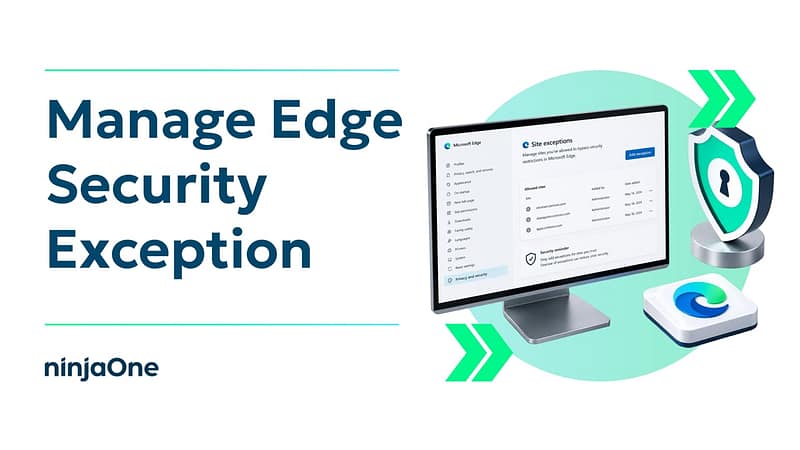
Managing Site Exceptions for Enhanced Security in Microsoft Edge
How to Optimize Backup Chains with Synthetic, Chainless, and Active Full Methods
How to Operationalize Cybersecurity Frameworks for MSP Clients
How to Clearly Explain Your Alert Handling Process to Clients
How To Monitor and Restart Stuck Windows Services Automatically
How to Document Automation Workflows for Easy Handoffs and Long-Term Maintenance
How to Audit Scheduled Tasks and Clean Up Stale Entries via PowerShell
How to Set Clear RTO/RPO Expectations Across Backup Tiers
How to Explain Microsoft 365 Recycle Bin and Retention Limits to Clients
How to Run vCIO as a Measurable Program Clients Can Trust
Troubleshooting Task Scheduler Service in Windows 11
How to Enable or Disable Recall’s Click to Do feature in Windows 11
How To Enable or Disable Compact View in File Explorer in Windows 11
Previous
Page
1
Page
2
Page
3
…
Page
20
Next