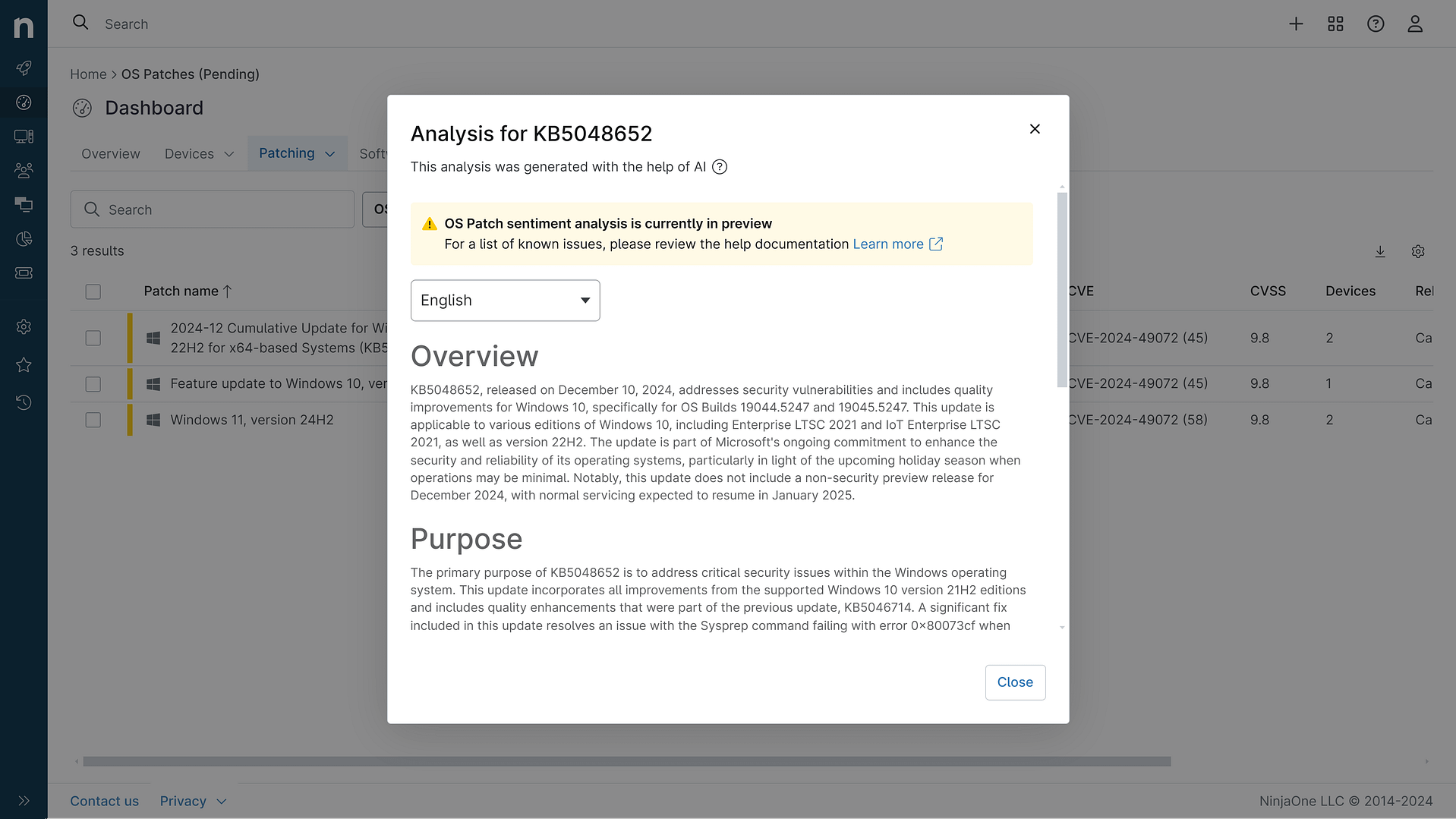
KB5094126: Overview with user sentiment and feedback
Last Updated July 27, 2026
Probability of successful installation and continued operation of the machine
Overview
KB5094126 is a cumulative security update for Windows 11 versions 25H2 and 24H2, released on June 9, 2026, with OS builds 26200.8655 and 26100.8655. This update incorporates the latest security patches and quality improvements from the previous month's optional preview releases. The patch addresses multiple system components including virtualization, Secure Boot certificate management, and system servicing infrastructure.
General Purpose
- Secure Boot Certificate Management: Enhanced device targeting for automatic distribution of updated Secure Boot certificates with controlled phased rollout
- Virtualization Fixes: Resolved Stop errors (HYPERVISOR_ERROR 0x20001 and KMODE_EXCEPTION_NOT_HANDLED 0x1E) occurring during system restarts, virtual machine operations, and gaming applications
- Folder Customization Security: Implemented security hardening for desktop.ini file processing, affecting custom folder icons and localized folder names
- DISM Tool Repair: Fixed issue where DISM /RestoreHealth command could fail with error 0x800f0915 on version 24H2 devices
- AI Component Updates: Updated Image Search, Content Extraction, Semantic Analysis, and Settings Model components for Copilot+ PCs
- June 2026 Security Updates: Included latest documented security vulnerability patches
General Sentiment
Community reception has been decidedly mixed. While the update addresses important security vulnerabilities and virtualization issues, widespread reports indicate significant compatibility problems affecting productivity. Multiple system administrators report boot failures, BitLocker recovery loops on HP devices, OneDrive integration failures affecting file browsing in File Explorer, and critical issues with third-party Office integrations. However, some users report successful installations without incident, and workarounds have emerged for certain issues. The severity of reported problems has generated considerable concern in enterprise environments.
Known Issues
- Microsoft Office applications fail to open from certain third-party apps (CCH Engagement, Workpaper Manager, Dentrix, Softdent, Zotero) using OLE automation
- Recycle Bin deletion confirmation dialog displays internal file names instead of original names
- OneDrive folder in File Explorer becomes non-functional on domain-joined PCs with Group Policy applied
- BitLocker recovery loops reported on certain HP models, particularly with specific BIOS versions
- Start Menu and Search functionality crashes due to StartMenuExperienceHost errors in Windows.UI.Xaml.dll
- Custom folder icons and localized folder names may not appear for downloaded or remote content
- Performance degradation reported across Lenovo and Dell systems
- Boot failures and system instability on some device configurations
Disclaimer: We take measures to ensure that AI-generated content is of the highest possible quality, but we cannot guarantee its accuracy and recommend that users do their own independent research. Generated on 2026-07-27 01:19 PM