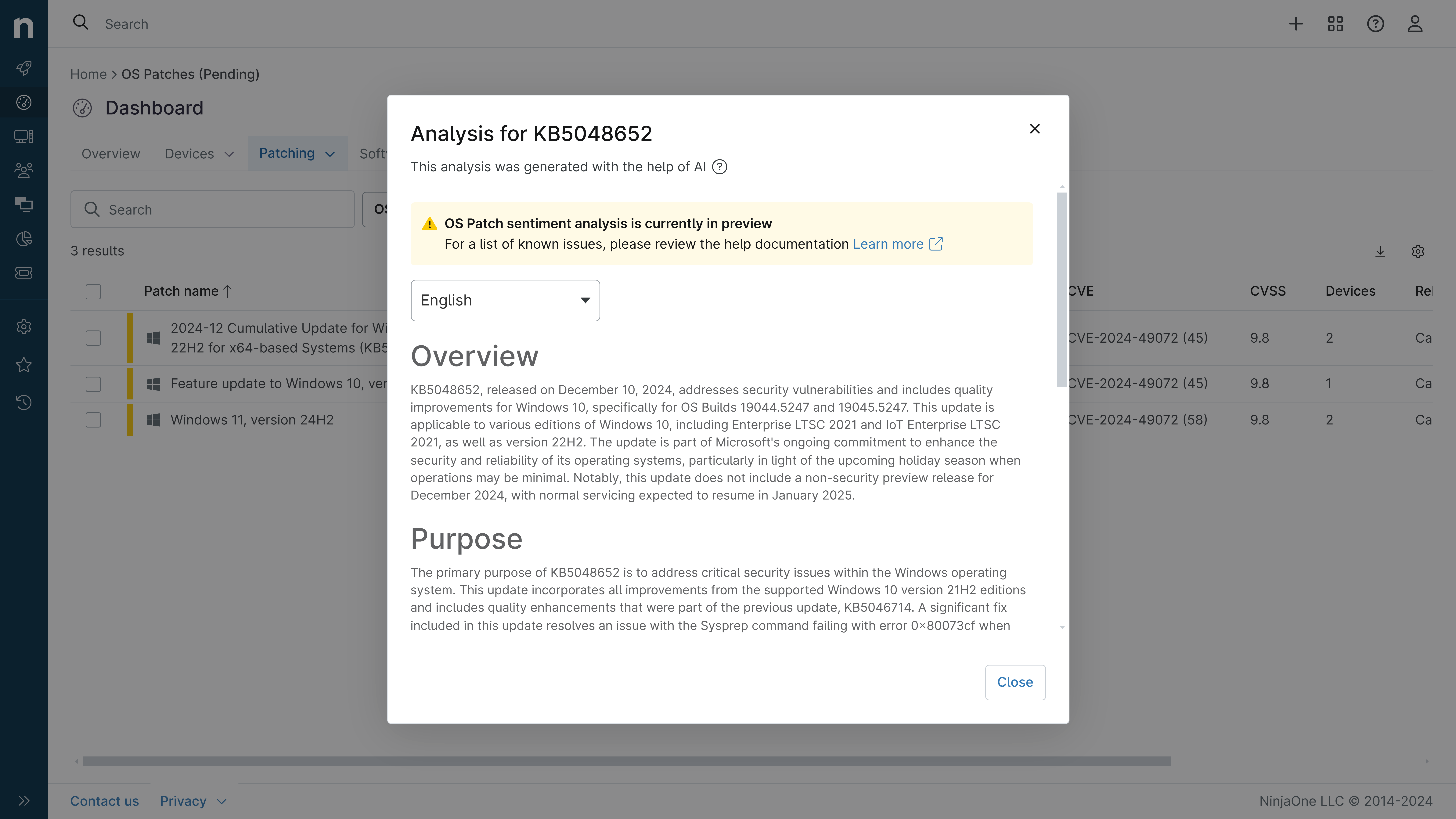
KB5094125: Overview with user sentiment and feedback
Last Updated July 30, 2026
Probability of successful installation and continued operation of the machine
Overview
KB5094125 is a cumulative security update for Windows Server 2025 released on June 9, 2026 (OS Build 26100.32995). This patch consolidates the latest security fixes and quality improvements, including non-security updates from the previous month's optional preview release. The update addresses multiple system components and introduces new security features alongside known compatibility issues that have emerged post-release.
General Purpose
- Secure Boot Enhancement: Expanded device targeting data for automatic Secure Boot certificate delivery with new Group Policy controls for limiting telemetry data transmission
- DNS over HTTPS (DoH): Windows Server 2025 DNS Server now supports encrypted DNS communication for improved privacy and security
- File Explorer Improvements: Enhanced search functionality with support for Chinese text and UTF-8 encoded files, improved text rendering consistency
- Reliability and Performance: Optimized user profile loading through improved system resource management
- Application Stability: Resolved Windows Push Notification Services (WNS) issues causing Microsoft Outlook and related applications to hang
- Security Hardening: Desktop.ini file processing security changes to prevent unauthorized folder customization from remote sources
General Sentiment
Community reception has been mixed, with significant concerns emerging shortly after release. While the patch delivers important security improvements and new features like DNS over HTTPS, multiple compatibility issues have surfaced affecting backup solutions, authentication mechanisms, and third-party application integration. Users report backup failures with Veeam v12 due to local admin account authentication changes, Office application launch failures from third-party tools, and installation errors on some systems. Microsoft has acknowledged these issues and released KB5099536 on July 14, 2026 to address several of the reported problems, indicating this patch required follow-up remediation.
Known Issues
- Microsoft Office applications might fail to open from certain third-party apps (CCH Engagement, Workpaper Manager, Dentrix, Softdent, Zotero affected; resolved in KB5099536)
- Deleting from Recycle Bin displays internal file name instead of original filename in confirmation dialog (resolved in KB5099536)
- OneDrive shortcut in File Explorer might not work in administrator mode with unresponsive shortcuts and missing sync status icons (resolved in KB5099536)
- WSUS does not display synchronization error details after installing KB5070881 or later updates
- Custom folder icons or localized folder names might not appear for downloaded or remote content due to desktop.ini security hardening
- Backup authentication failures with Veeam v12 on non-domain-joined servers using local admin accounts
- Windows Update Standalone Installer (WUSA) might fail with ERROR_BAD_PATHNAME when installing from network shares with multiple .msu files
- Boot manager servicing issues potentially causing BitLocker Recovery on systems with certain TPM validation settings
Disclaimer: We take measures to ensure that AI-generated content is of the highest possible quality, but we cannot guarantee its accuracy and recommend that users do their own independent research. Generated on 2026-07-30 01:24 PM