KB5094042: Overview with user sentiment and feedback
Last Updated July 30, 2026
Probability of successful installation and continued operation of the machine
Overview
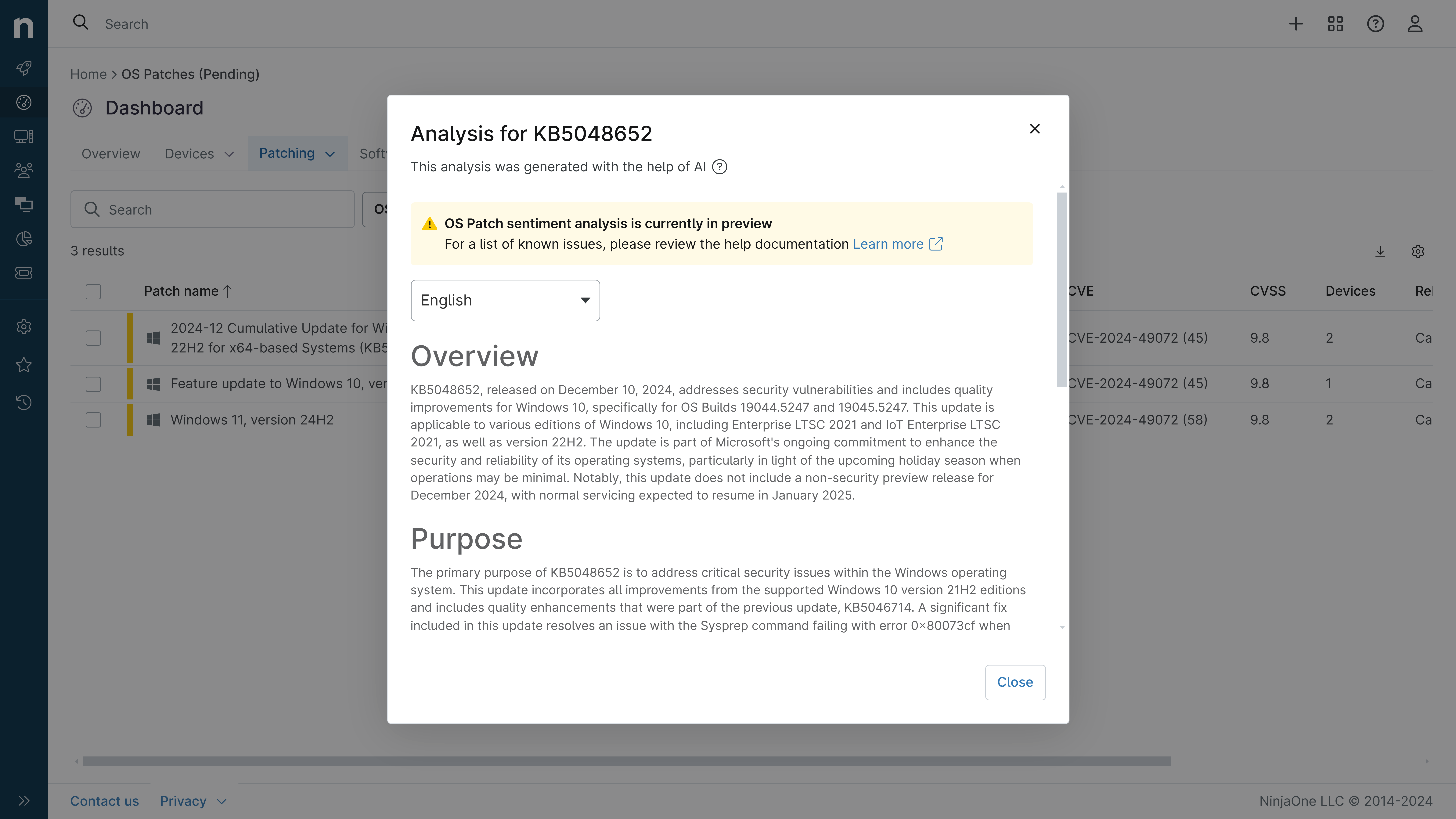
KB5094042 is a Monthly Rollup cumulative security update for Windows Server 2012 released on June 9, 2026. This update includes security fixes and quality improvements as part of the Extended Security Updates (ESU) program, which continues support for Windows Server 2012 until October 13, 2026. The patch addresses multiple security vulnerabilities and includes a security hardening change to desktop.ini file processing.
General Purpose
- Implements security hardening for desktop.ini file processing to improve folder customization security
- Resolves multiple security vulnerabilities documented in the June 2026 Security Update Guide
- Includes cumulative quality improvements and bug fixes for Windows Server 2012
- Requires latest Servicing Stack Update (KB5079234) to be installed first
- Addresses issues affecting third-party application compatibility with Microsoft Office
General Sentiment
This update is a standard monthly security rollup for an end-of-life operating system under extended support. While it provides necessary security patches, the update introduces several notable issues affecting user experience, including problems with custom folder icons, Office application launching, and OneDrive functionality. Microsoft has actively tracked and resolved these issues in subsequent updates, demonstrating responsive patch management. The security hardening changes are appropriate for an aging OS, though they may cause compatibility concerns for some users with legacy applications.
Known Issues
- Microsoft Office applications might fail to open from certain third-party apps (CCH Engagement, Workpaper Manager, Dentrix, Softdent, Zotero, and similar applications using OLE automation) - resolved in KB5099445
- Deleting from Recycle Bin displays internal file names instead of original file names in confirmation dialog - resolved in KB5099445
- OneDrive shortcut in File Explorer might not work when running File Explorer in administrator mode - resolved in KB5099445
- Custom folder icons or localized folder names might not appear for downloaded or remote content due to desktop.ini security hardening
Disclaimer: We take measures to ensure that AI-generated content is of the highest possible quality, but we cannot guarantee its accuracy and recommend that users do their own independent research. Generated on 2026-07-30 07:26 PM