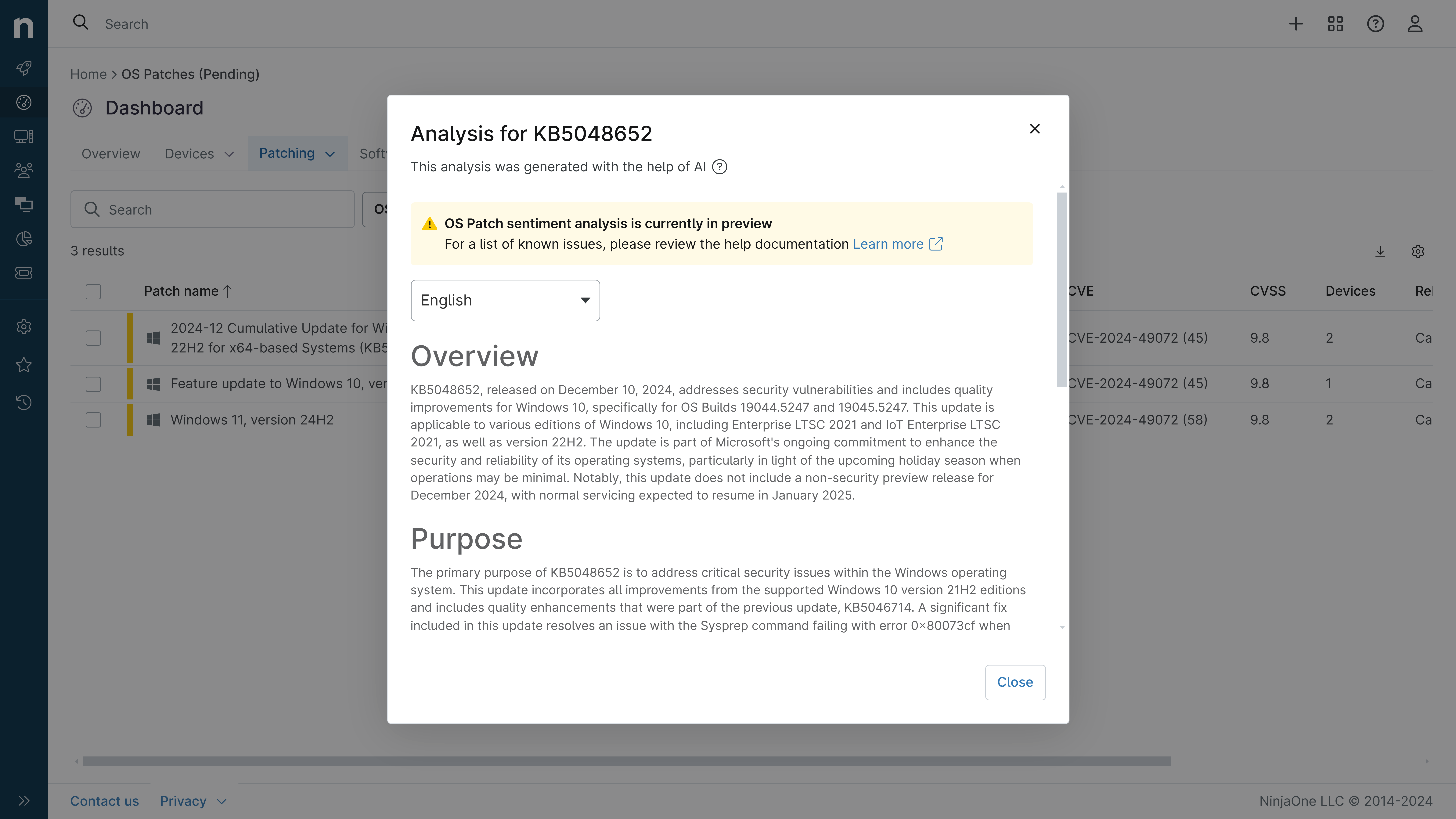
KB5094041: Overview with user sentiment and feedback
Last Updated July 29, 2026
Probability of successful installation and continued operation of the machine
Overview
KB5094041 is a Monthly Rollup security update for Windows Server 2012 R2 released on June 9, 2026. This cumulative update delivers security fixes and quality improvements as part of the Extended Security Updates (ESU) program, which continues until October 13, 2026. The update addresses multiple security vulnerabilities and introduces security hardening changes to Secure Boot and folder customization processes.
General Purpose
- Delivers cumulative security fixes and quality improvements for Windows Server 2012 R2
- Adds new Secure Boot policy setting (LimitSecureBootRequiredServiceData) to limit telemetry data transmission to Microsoft
- Implements security hardening for desktop.ini file processing to enhance folder customization security
- Addresses multiple resolved security vulnerabilities documented in the June 2026 Security Updates guide
- Requires latest Servicing Stack Update (KB5079233) as a prerequisite for successful installation
General Sentiment
This update represents a critical security maintenance release for the end-of-life Windows Server 2012 R2 platform. While the security fixes and hardening measures are necessary and beneficial, the update introduces three notable known issues affecting Office application integration, file deletion operations, and OneDrive functionality in administrator mode. Microsoft has acknowledged these issues and indicated they are resolved in the subsequent July 2026 update (KB5099444), suggesting users should plan for either immediate workarounds or staged deployment after the next update becomes available.
Known Issues
- Microsoft Office applications might fail to open from certain third-party applications using OLE automation (affects Word, Excel, PowerPoint, Access; impacts CCH Engagement, Workpaper Manager, Dentrix, Softdent, Zotero, and similar applications)
- Recycle Bin deletion confirmation dialog displays internal file names (e.g., $Rxxxxx.ext) instead of original file names for single item deletions
- OneDrive shortcut in File Explorer becomes unresponsive when File Explorer runs with administrative privileges; affects built-in Administrator account and "Run as administrator" scenarios
- Custom folder icons and localized folder names may not appear for downloaded or remote content due to security hardening of desktop.ini file processing
- Installation may fail on Azure Arc-enabled Windows Server 2012 R2 devices if ESU-specific network endpoints are not properly configured
Disclaimer: We take measures to ensure that AI-generated content is of the highest possible quality, but we cannot guarantee its accuracy and recommend that users do their own independent research. Generated on 2026-07-29 07:24 PM