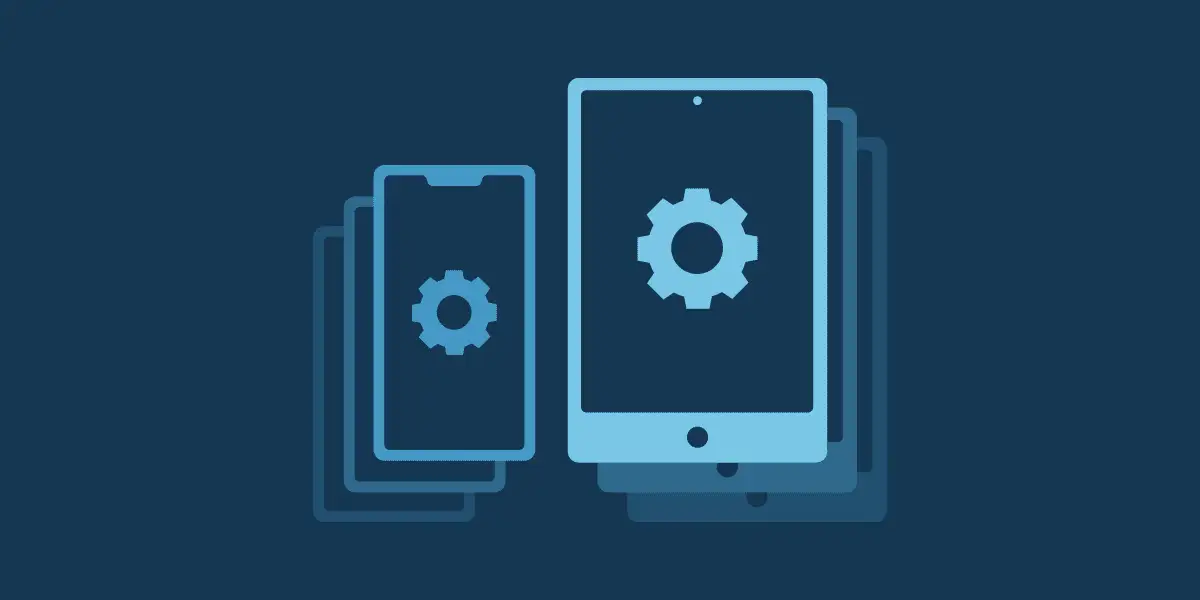



Schools and school authorities (Schulträger) need a management plan before deploying tablets at scale. Mobile device management (MDM) helps IT teams enroll devices, configure settings, distribute apps, and manage devices throughout their lifecycle. This guide explains how to connect those needs to a DigitalPakt 2.0 project and which funding, technical, and data-protection questions to resolve before procurement.
Quick answer
DigitalPakt 2.0 provides €5 billion in combined federal and state investment. The federal education ministry (BMBFSFJ) describes a program period of 1 September 2026 to 31 December 2030, with projects started from 1 January 2026 potentially eligible. The Länder define detailed rules and application procedures. MDM licenses, implementation, and support therefore need to be checked against the applicable state funding guideline and project conditions. The national start date does not establish that applications are open in every Land or that a particular purchase will be reimbursed.
What DigitalPakt 2.0 changes for school IT planning
The program connects digital infrastructure with educational development and teacher training through three strands: digital infrastructure (I), school and teaching development funded by the Länder (II), and the joint federal-state initiative on digital teaching and learning (III). Federal guidance names networks, mobile devices, educational software, and learning platforms, and allows simpler procedures such as lump-sum allocations.
The official program website also explicitly includes structures for professional technical support. This does not establish that every maintenance contract, staff cost, or recurring MDM subscription is eligible. State implementation rules and the funding decision remain essential.
The €5 billion total covers the overall program. It is spread across program activities and does not establish a 50 percent federal subsidy for each local tablet or MDM project.
Why tablets need a management plan
Without central management, IT teams may have to configure each tablet separately, track devices manually, and repeat the work whenever pupils, classes, or staff change. A documented operating model helps prevent inconsistent settings, missing apps, delayed updates, and uncertainty about lost devices or equipment returns.
Start with the teaching model: individual assignments, shared classroom sets, teacher devices, or personally owned devices. Each model changes enrollment, account access, privacy, support, and reset requirements. Confirm Wi-Fi capacity, identity services, charging, and physical storage alongside the MDM requirements.
Where MDM fits into a tablet project
Use this matrix to define requirements and the costs to discuss with the funding authority. These are planning categories, not confirmed eligible expenses. Features depend on the operating system, enrollment mode, device, and chosen service.
| Operational need | Requirement to test | Cost to verify |
| Enrollment | Automated or guided setup with the correct school policies | MDM licenses and setup services |
| Inventory | Device ownership, school assignment, OS version, and last check-in | Subscription and integration costs |
| Apps and policies | Approved app distribution and settings appropriate to each device group | App licenses and configuration work |
| Updates | Supported update controls, scheduling, and compliance reporting | Management licenses and administration |
| Support | Remote commands, screen viewing, or control where supported | Remote support licenses and service contracts |
| Reuse and retirement | Verified erasure, account cleanup, reassignment, and disposal records | Lifecycle services and replacement hardware |
Enrollment and account ownership
For iPads, evaluate Apple School Manager and Automated Device Enrollment with the chosen MDM service. Plan ownership and renewal of Apple Push Notification service certificates and enrollment and content tokens. Android Enterprise supports options such as QR enrollment and zero-touch enrollment, subject to device and deployment requirements. These methods are not interchangeable across operating systems.
Keep administrative accounts and recovery access under institutional control. For shared tablets, demonstrate the intended sign-in, sign-out, and data-separation workflow in a pilot. Generic iPad management support does not establish support for every Shared iPad or classroom workflow.
Apps and configuration
Define which apps, Wi-Fi settings, restrictions, and permissions apply to pupils and teaching staff. Test app licensing and reassignment, accessibility needs, and any identity or learning-platform integration. Check whether a required restriction needs supervised or fully managed enrollment before writing it into the specification.
Updates and remote support
Ask vendors to demonstrate update controls on the actual tablet models and OS versions. Include a process for devices that are offline, out of support, or unable to update. MDM can apply supported settings and report status; it cannot guarantee that every device is current at all times.
Specify remote commands, screen viewing, and interactive remote control separately. Their availability and user-interaction requirements vary. For example, NinjaOne documents screen sharing for iOS and iPadOS, and remote control for supported managed Android devices. Do not promise identical support capabilities across platforms.
Reassignment and retirement
Define the steps for returns, authorized data retention, erasure, reassignment, and disposal. Confirm erasure has completed before a device leaves institutional control; issuing a remote command is not proof that an offline device received it. Plan how to resolve account or activation locks, reclaim app licenses, and retain any required asset records. Unenrollment alone should not be treated as verified data erasure.
Build the funding and procurement plan
Prepare a lifecycle budget that separates one-time purchases from recurring costs. Include licenses, implementation, staff capacity, support, training, replacements, and eventual migration to another provider. Identify who will pay for costs outside the grant and after the funded period.
Before placing orders or signing contracts, ask the responsible state authority or funding body to confirm:
- The applicable guideline, eligible applicant, application window, and submission route.
- Which MDM, hosting, setup, support, staffing, and renewal costs are covered, and for what period.
- The local contribution, any funding caps, and how to separate expenses already funded elsewhere.
- What counts as the project start and how the rules on an early start apply to the proposed procurement.
- Required procurement records, educational and operating concepts, retention periods, and evidence of use.
The ministry’s reference to projects begun from 1 January 2026 is not an unconditional reimbursement guarantee. Keep the authority’s written clarification with the project file, and have the procurement team confirm the applicable purchasing procedure.
Use a pilot and measurable acceptance criteria in the specification. Examples include the time needed to prepare a class set, policy coverage among active devices, update status among recently connected devices, support response time, and successful reset and reassignment. Agree the target values before rollout.
Protect pupil and staff data
Include the data protection officer early. Establish who is the controller under the applicable school and state rules, the legal basis for processing, and the information provided to pupils, parents, and staff. Where a provider processes data on the controller’s behalf, address the Article 28 processing agreement. Review subprocessors, hosting and support access, international transfers, retention, and deletion. Assess whether the deployment requires a data protection impact assessment under Article 35.
Limit collected data and administrator permissions to the educational and operational purpose. Set explicit rules for location data, screen sharing, logs, and remote wipe, particularly on personal devices. Use strong administrator authentication and review privileged access. Hosting in Germany or the EU alone does not establish GDPR compliance.
Assign responsibilities before procurement
The following is a suggested operating model. Confirm the actual allocation under local arrangements; operational ownership does not by itself determine the legal data controller.
| Role | Responsibilities to agree |
| Schulträger | Budget, procurement, service ownership, contracts, and lifecycle funding |
| School leadership and teaching staff | Educational requirements, app requests, handover processes, and incident reporting |
| IT team or service provider | Enrollment, policies, update monitoring, support, certificate renewals, and retirement |
| Data protection and procurement specialists | Advice on processing arrangements, access safeguards, funding conditions, and procurement procedure |
DigitalPakt 2.0 and MDM planning checklist
- Verify the Land’s current rules, application status, eligible costs, and project-start conditions.
- Record tablet quantities, ownership, operating systems, teaching model, and required integrations.
- Assign owners for accounts, certificates, policies, support, data protection, and retirement.
- Separate grant-funded costs from recurring and unfunded costs across the device lifecycle.
- Test enrollment, apps, updates, support, privacy controls, and reassignment on representative devices.
- Keep procurement and funding evidence, and agree rollout acceptance criteria.
Where NinjaOne can fit
NinjaOne is a cloud-based endpoint management platform whose MDM capabilities cover Android, iOS, iPadOS, and macOS. Teams can manage mobile devices alongside Windows, macOS, and Linux endpoints through the broader platform. macOS can use both MDM and agent-based management; Windows and Linux management should not be described as the same mobile MDM feature set.
For school tablet planning, NinjaOne documents Apple School Manager integration for Automated Device Enrollment, Android enrollment options, and Apple OS update management. Evaluate these capabilities against the school’s actual device mix and workflows, including any Shared iPad, classroom, identity, and app-licensing requirements. Confirm feature availability and licensing in the proposed configuration.
A product’s technical capabilities do not establish DigitalPakt funding eligibility or compliance for a particular school deployment. Evaluate the service against the same funding, procurement, and data-protection requirements as the rest of the project.