Launch remote sessions to any Mac or Windows device with one click — no toggling between tools, no waiting. Spend less time navigating and more time resolving.
Serious security
From state-of-the-art encryption to strong access and data privacy features, NinjaOne Remote takes security very seriously.
Advanced support features
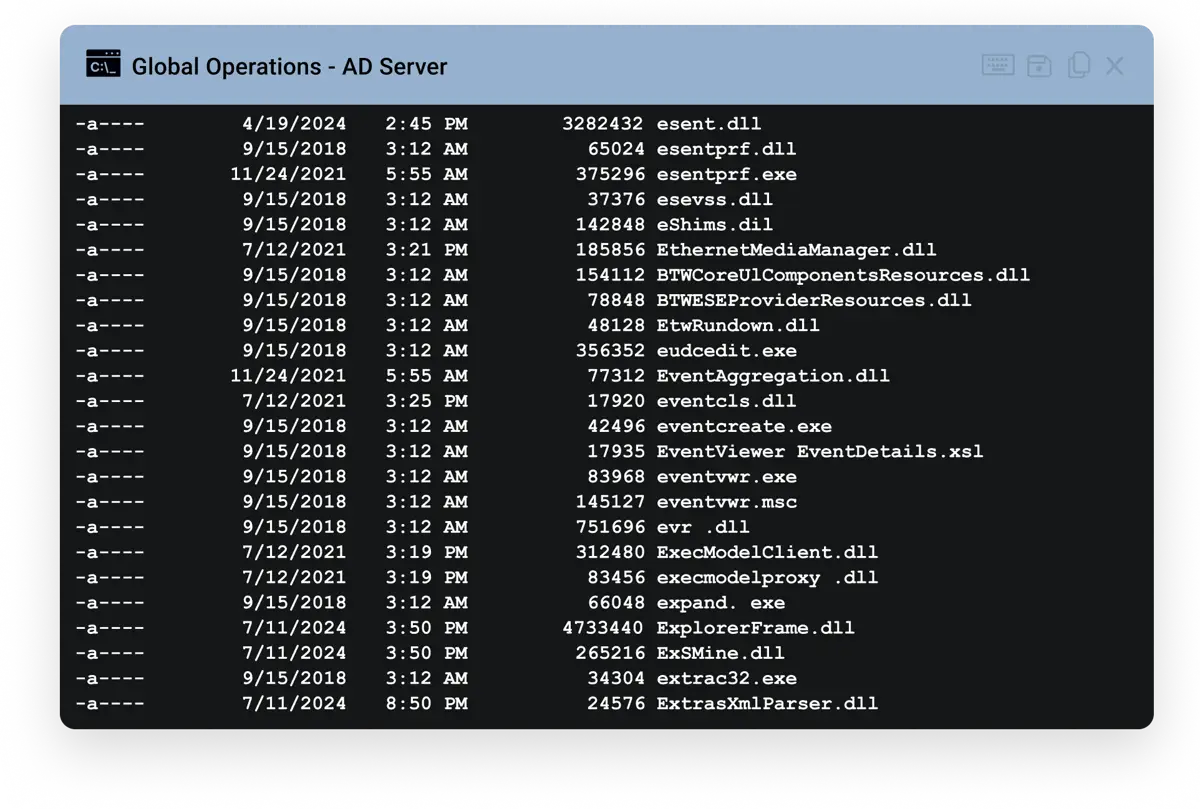
Get the tools to resolve client issues faster: multi-monitor control, command-line access, fast file transfer, and session recording built into every session.
Unmatched, fully-integrated remote access
Device > click > connect
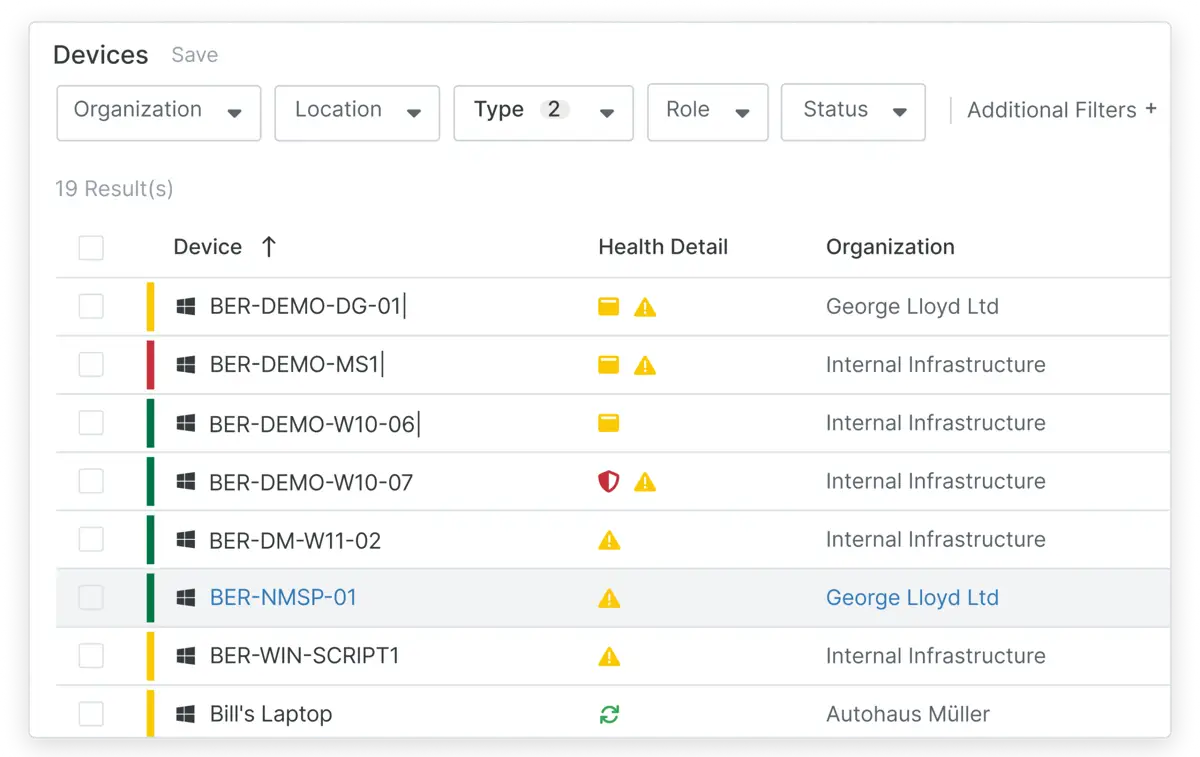
Sessions launch in seconds so MSPs can start resolving issues instantly. Remotely connect from the Device page or tickets — no signing in or changing tabs.
Fast, on-demand connections
Support BYOD, vendors, and unmanaged devices without an agent. Start secure, ad hoc sessions directly from the console to resolve issues quickly.
Provide a branded experience
Reinforce your brand with custom logos and URLs. Use live chat and distinct cursors to clarify control and improve the end-user experience.
Generate remote access invites
Quickly generate a secure email invitation containing a direct link to the branded connection page with a unique PIN or connection link.
Ironclad encryption
NinjaOne Remote and Quick Connect use industry-leading encryption. Sessions are encrypted, logged, and optionally recorded for visibility and compliance.
Privacy and data protection
Turn off clipboard synching and use the Paste as Keystrokes feature to protect sensitive data. Role-based access and auto-clear settings give admins extra control.
Powerful cross-OS support
Control Windows, macOS, Android, and iOS from one unified tool. Includes shortcuts, reboots, file transfers, and terminal window launches to fix issues fast.
End user remote access
The end-user portal provides fast, secure device access. Users can print locally, blank screens for privacy, and connect securely with one click.
Support while on the go
Launch sessions, chat with users, and troubleshoot from anywhere using the NinjaOne mobile app. Full-featured remote support from iOS or Android keeps your team responsive at all times.
Dynamic bandwidth adjustment
NinjaOne Remote adjusts to bandwidth for reliable connections. GPU acceleration and grayscale ensure smooth sessions on weak networks or older machines.
Easily manage devices
Once the NinjaOne Remote agent is installed, technicians can link new end user devices to an existing NinjaOne organization.
Background mode
Use Background Mode to fix issues silently behind the scenes. Keep users productive while support happens invisibly without interruption.
How NinjaOne Remote works for MSPs
Fast, secure, single-click access to any endpoint.
Every minute that a technician spends waiting on a remote session is a minute not spent on client work. NinjaOne Remote connects technicians to any Windows or macOS endpoint in seconds, with multi-monitor support, background mode for unattended access, session recording, and end-to-end encryption, all without leaving the NinjaOne platform. Experience remote access that was built for MSPs managing thousands of endpoints across hundreds of clients.
Why MSPs choose NinjaOne
for remote access
Increase billable utilization by cutting time lost to slow connections
Meet security requirements for regulated environments
Support more endpoints with the same team
Access tools natively in the platform, no add-on required
4Sight IT GmbH cut resolution time with NinjaOne Remote
NinjaOne impresses with its user-friendliness and intuitive design. The NinjaRemote connection is particularly noteworthy: fast, straightforward, and consistently reliable.”
Extend the power of NinjaOne with deep integrations that sync data, automate workflows, and streamline device, security, and service operations in one platform.
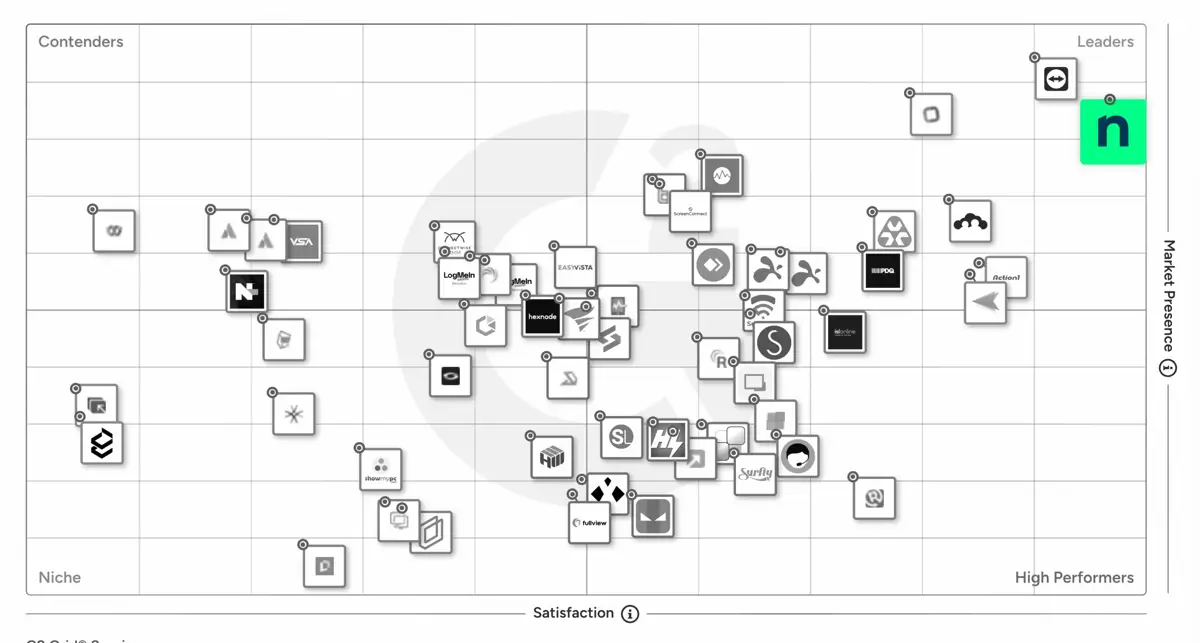
NinjaOne Remote keeps customers happy and it shows with an Ease of Use score of 93 and perfect Satisfaction Score of 100.
“One of the biggest improvements for our team has been NinjaOne Remote. With NinjaOne Remote, we can quickly connect to managed devices without delays, allowing us to respond faster to support requests and resolve issues more efficiently.”
Information as per product capabilities from G2
This comparison represents our assessment of publicly available product capabilities from G2 as of August 2026. If you believe any information here is inaccurate or incomplete, please contact us and we will evaluate and address it as appropriate.
NinjaOne Remote is a built-in remote access and support tool that lets MSP technicians connect to Windows, macOS, Android, and iOS endpoints in one click, directly from the NinjaOne platform, with end-to-end encryption, session recording, and role-based access controls.
What should MSPs look for in a remote access solution?
Look for tenant-based access controls that prevent cross-client exposure, native integration with your RMM and PSA to avoid switching tools, session encryption and logging for compliance, and support across every OS your clients run.
Can technicians securely access multiple client environments in NinjaOne Remote without cross-tenant risk?
Yes. NinjaOne Remote is designed specifically for MSP use cases, with strict tenant separation to eliminate cross-client exposure. Technicians can securely access multiple client environments using tenant-based access controls and granular role-based remote access controls, ensuring they only see and access the endpoints assigned to them.
Does NinjaOne remote access integrate with RMM and PSA?
Yes. NinjaOne Remote is fully embedded within NinjaOne’s platform, delivering seamless integrated RMM remote access capabilities and PSA workflows. Technicians can launch remote sessions directly from the RMM interface without switching tools, accelerating response times and simplifying workflows.
What security features are included for MSP remote sessions?
NinjaOne Remote is built to deliver secure remote access for MSPs without adding operational friction. For tight security, NinjaOne Remote uses x25519+XSalsa20+Poly1305 — an industry-leading encryption standard to protect session data end to end. All remote sessions are encrypted, logged, and optionally recorded, giving MSPs full visibility for compliance, auditing, and client accountability.
To further protect sensitive information during live sessions, technicians can turn off clipboard syncing or use the “Paste as Keystrokes” feature to prevent exposing credentials or confidential data. Administrators also have granular control through role-based remote access controls, auto-clear clipboard settings, and strict tenant-based access controls, ensuring technicians only access the endpoints and client environments assigned to them.
How does NinjaOne remote access reduce tool sprawl for MSPs?
Many MSPs rely on separate tools for remote support, monitoring, and ticketing — creating unnecessary complexity and added cost. NinjaOne simplifies this by embedding remote access directly into its platform, so technicians can launch sessions instantly from the same interface they use for endpoint management.
By consolidating remote support into a single solution, MSPs reduce vendor sprawl, streamline workflows, and improve technician efficiency. The result is a more scalable, cost-effective approach to MSP remote access — without juggling disconnected tools or compromising service quality.
How do MSPs implement NinjaOne Remote?
MSPs typically roll out NinjaOne Remote in four phases: install the agent on client endpoints, configure role-based access per technician, connect directly from the Device page or a ticket, and provide support in the same session.