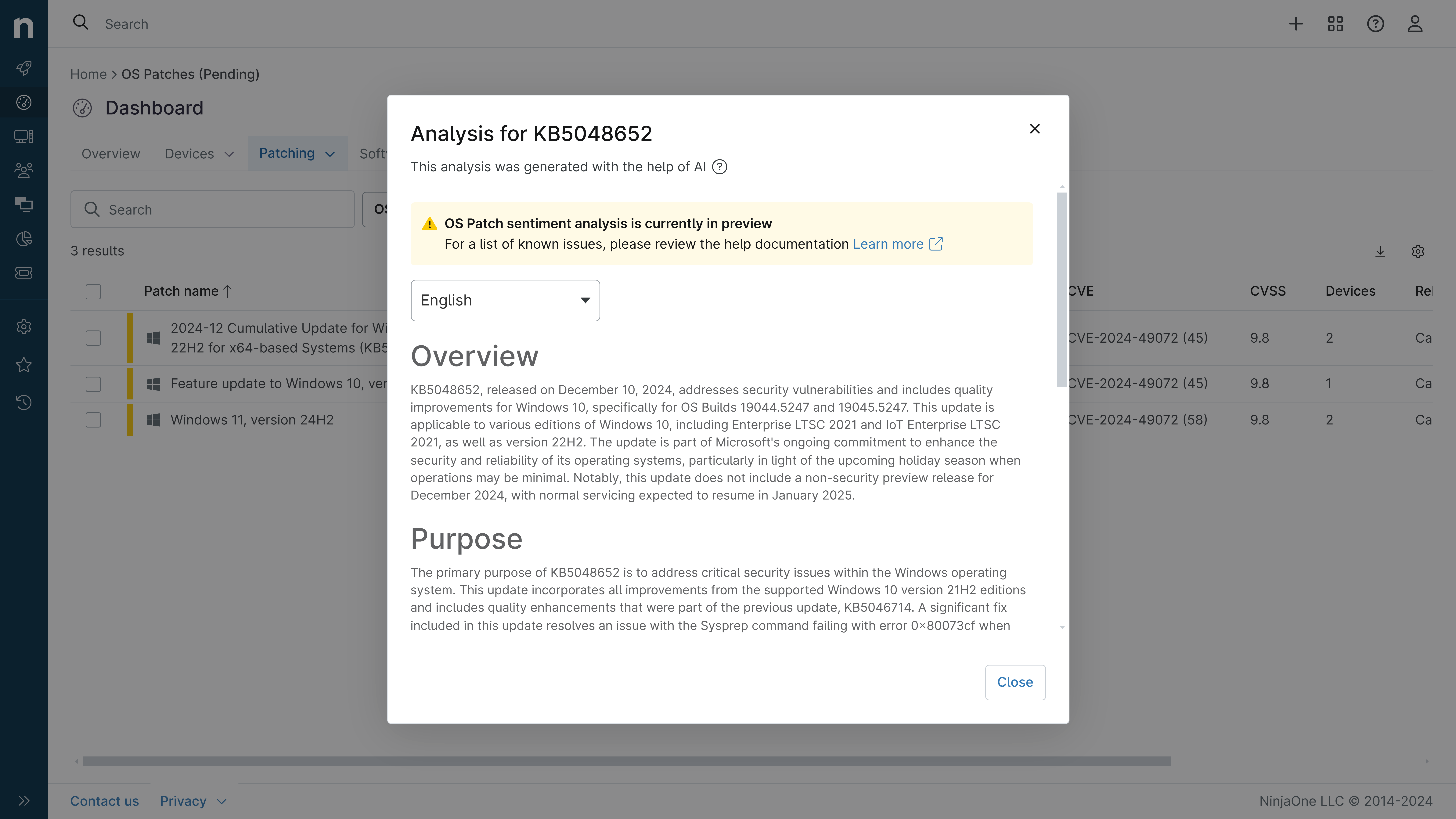
KB5121003: Overview with user sentiment and feedback
Last Updated September 25, 2026
Probability of successful installation and continued operation of the machine
Overview
KB5121003 is the August 11, 2026 cumulative security update for Windows 11 versions 25H2 and 24H2 (OS Builds 26200.9168 and 26100.9168). This update delivers security patches, Secure Boot certificate improvements, and removes the Drop Tray feature. The update applies to both ARM64 and x64 architectures and includes servicing stack updates to improve Windows installation reliability.
General Purpose
- Security updates addressing multiple vulnerabilities across Windows components
- Secure Boot certificate deployment and coverage expansion for device targeting
- Removal of Drop Tray experience (previously called Drag Tray) and associated Settings options
- AI component updates (version 1.2605.856.0) for Image Search, Content Extraction, Semantic Analysis, and Settings Model
- Servicing stack update (KB5123304) improving Windows update installation process reliability
General Sentiment
Community reception has been decidedly mixed. While the security improvements and Secure Boot updates are valued, this patch introduced multiple significant regressions affecting gaming, display functionality, and hardware compatibility. Users report widespread issues with game crashes, HDR functionality breakage, RDP multi-monitor problems, and Lenovo Legion AC power anomalies. The lack of transparency regarding graphics subsystem changes has frustrated users who discovered undocumented modifications to critical display drivers. Subsequent updates (KB5124008, KB5124010) appear to have resolved some issues for affected users.
Known Issues
- Reports of certain games becoming unresponsive (associated with RGB lighting drivers like inpoutx64; affects ARC Raiders, MARVEL Tōkon: Fighting Souls, THE FINALS)
- Microsoft Teams and Outlook may fail to launch on ARM-based devices (Surface Pro 11, Surface Laptop 7)
- HDR functionality regression: SDR content brightness slider malfunction, incorrect nit reporting, color rendering differences
- RDP multi-monitor setup failures: content displays on incorrect monitors despite correct configuration
- Lenovo Legion AC adapter disconnect events: random brief transitions from AC to battery power causing black screens
- Graphics corruption in games and applications (reported on both dGPU and iGPU)
- Secure Boot failures on some systems
Disclaimer: We take measures to ensure that AI-generated content is of the highest possible quality, but we cannot guarantee its accuracy and recommend that users do their own independent research. Generated on 2026-09-25 07:29 PM