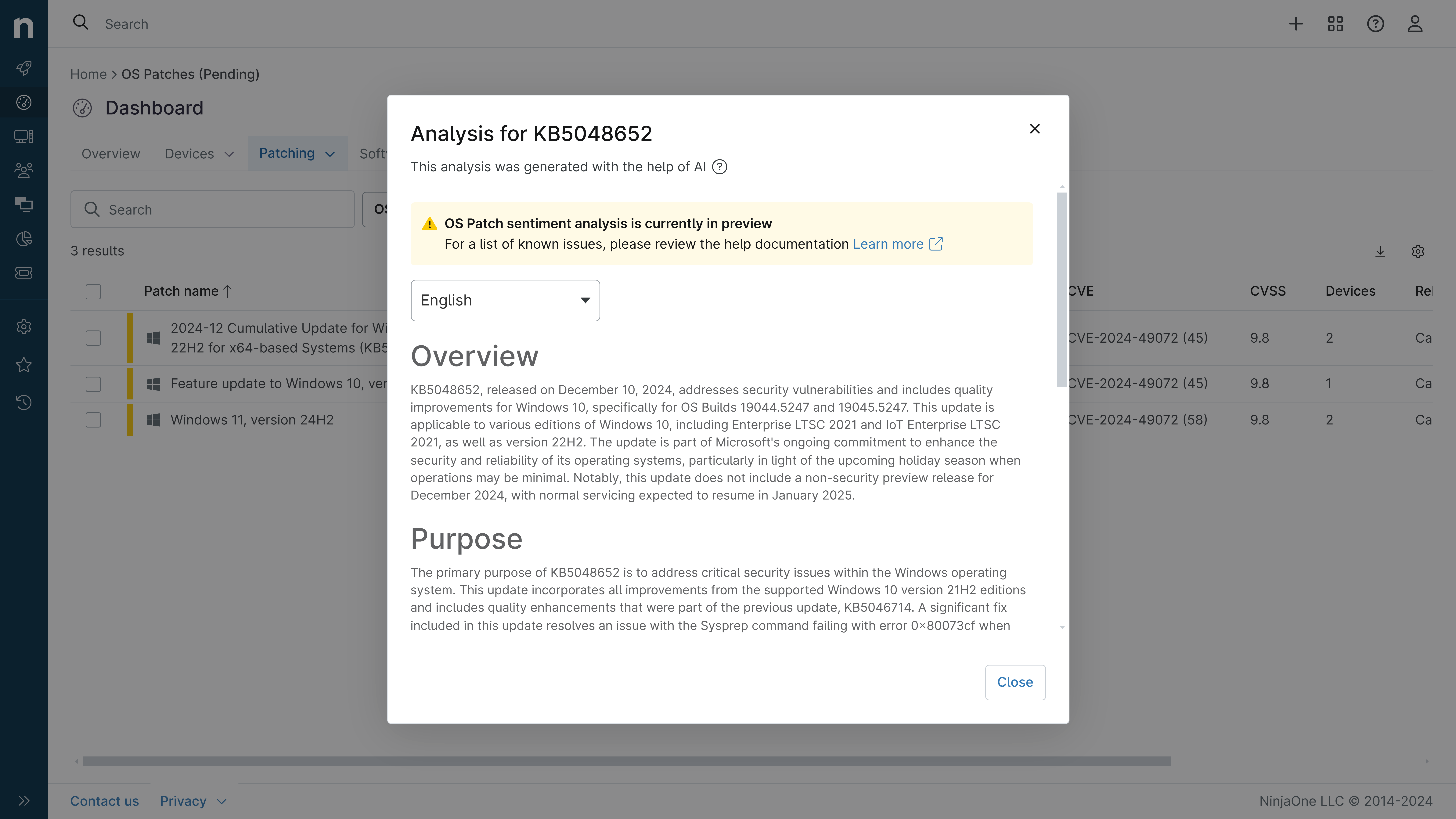
KB5121000: Overview with user sentiment and feedback
Last Updated September 30, 2026
Probability of successful installation and continued operation of the machine
Overview
KB5121000 is a cumulative security and quality update for Windows 11 version 26H1 released on August 11, 2026 (OS Build 28000.2704). This patch consolidates the latest security fixes along with non-security improvements from the previous month's optional preview release. It applies to all editions of Windows 11 version 26H1 and includes updates to AI components, servicing stack improvements, and various system enhancements.
General Purpose
- Security Updates: Addresses August 2026 security vulnerabilities with comprehensive security fixes
- TPM Maintenance: Improves TPM reporting by ensuring accurate EK certificate status
- Secure Boot Enhancement: Expands device targeting data for Secure Boot certificate deployment across eligible PCs
- Sharing Experience Removal: Eliminates the Drop Tray feature (formerly Drag Tray) and associated multitasking settings
- AI Component Updates: Updates Image Search, Content Extraction, Semantic Analysis, and Settings Model to version 1.2605.856.0
- Servicing Stack Update: Includes KB5121292 to enhance Windows update installation reliability
General Sentiment
Community reception appears limited given the specialized nature of this 26H1 release, which targets a narrower user base than mainstream Windows 11 versions. The patch addresses important security vulnerabilities and includes meaningful quality improvements for device management and system reliability. However, a notable known issue affecting ARM-based devices (Surface Pro 11, Surface Laptop 7) where Teams and Outlook fail to launch represents a significant compatibility concern that impacts newer hardware platforms. This issue was subsequently resolved in KB5124012 released September 8, 2026.
Known Issues
- Microsoft Teams and Outlook might fail to launch or close unexpectedly on ARM-based devices (Surface Pro 11, Surface Laptop 7) after installation, particularly on freshly imaged systems without prior Microsoft Store updates. Workaround: Install latest Auto Super Resolution Package (version 1.0.19.0 or later) from Microsoft Store. Resolved in KB5124012 (September 8, 2026).
Disclaimer: We take measures to ensure that AI-generated content is of the highest possible quality, but we cannot guarantee its accuracy and recommend that users do their own independent research. Generated on 2026-09-30 01:55 PM