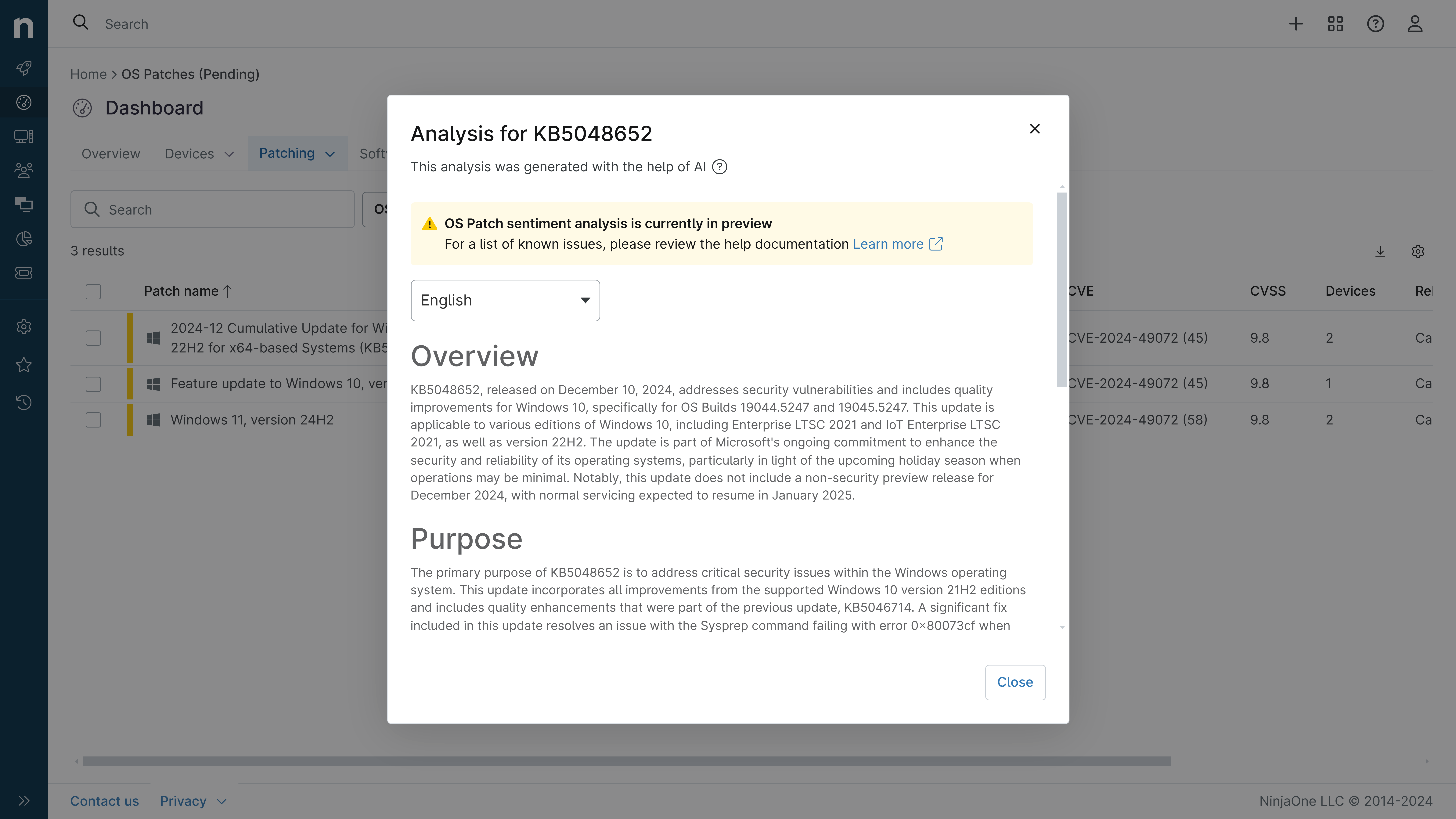
KB5074105: Overview with user sentiment and feedback
Last Updated February 28, 2026
Probability of successful installation and continued operation of the machine
Overview
This non-security update for Windows 11, version 25H2 and 24H2 (KB5074105), improves functionality, performance, and reliability. The update is available through two release phases: gradual rollout and normal rollout. The gradual rollout delivers the update in phases, while the normal rollout is the broad release to all eligible devices at the same time, usually when it reaches general availability (GA).
General Purpose
This update includes a variety of new features and improvements for Windows 11 PCs, including AI-powered capabilities, continuous innovation, and performance enhancements. Some of the key changes include:- Expanded functionality of Cross-Device Resume, allowing you to continue activities from your Android phone on your PC based on the apps and services you use.- Support for peripheral fingerprint sensors in Windows Hello Enhanced Sign-in Security (ESS), extending this more secure sign-in option to desktops and other Windows 11 PCs.- Improvements to MIDI on Windows with enhanced support for MIDI 1.0 and MIDI 2.0, including full WinMM and WinRT MIDI 1.0 support, shared MIDI ports, custom port names, and more.- New Narrator settings to give you more control over how it announces on-screen controls.- A streamlined setup experience for Voice Access to make it easier to get started.- Adjustable wait time settings for Voice Typing to improve recognition accuracy.- Fixes for various issues related to the Start menu, File Explorer, graphics, Narrator, and more.
General Sentiment
Overall, the KB5074105 update for Windows 11 seems to bring a mix of new features and bug fixes. The expanded Cross-Device Resume functionality and support for peripheral fingerprint sensors in Windows Hello ESS are welcomed improvements that enhance the user experience. The MIDI enhancements, Narrator improvements, and Voice Access/Typing updates also indicate Microsoft's continued efforts to refine the operating system and accessibility features. However, the update has also introduced some issues for certain users, such as problems with Odyssey 3D Hub, Bluetooth, MIDI devices, and camera functionality.While the majority of the changes appear positive, the known issues reported by some users suggest that caution may be warranted when installing this preview update, especially for those relying on the affected features. Uninstalling the update has been confirmed as a workaround for some of the problems. Overall, the update seems to deliver a mix of improvements and potential disruptions, so users should carefully evaluate the impact on their specific system and workflows before proceeding with the installation.
Known Issues
- The Microsoft Windows 11 preview update (KB5074105) (26200.7705) released on January 30, 2026, may prevent Odyssey 3D Hub from opening.- The update has caused Bluetooth to stop working for some users, with Bluetooth devices disappearing.- The update has removed all MIDI devices for some users.- The update has caused issues with laptop cameras, preventing them from working properly.- Some users have experienced significant performance degradation after installing the update.
Disclaimer: We take measures to ensure that AI-generated content is of the highest possible quality, but we cannot guarantee its accuracy and recommend that users do their own independent research. Generated on 2026-02-28 07:22 PM