


Key Points
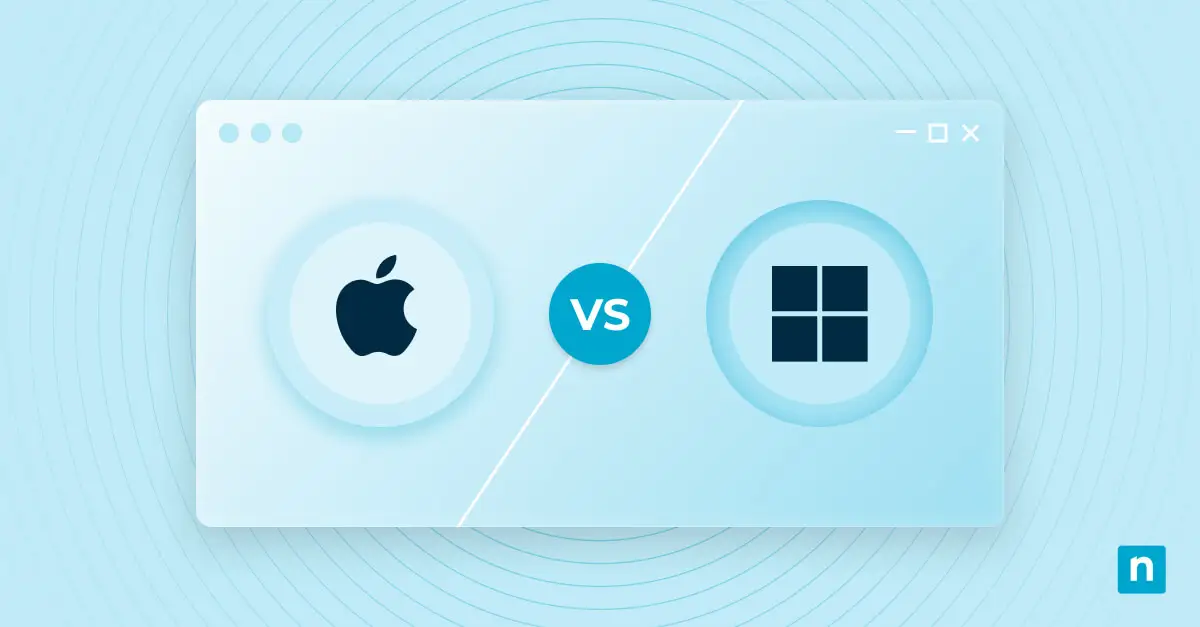
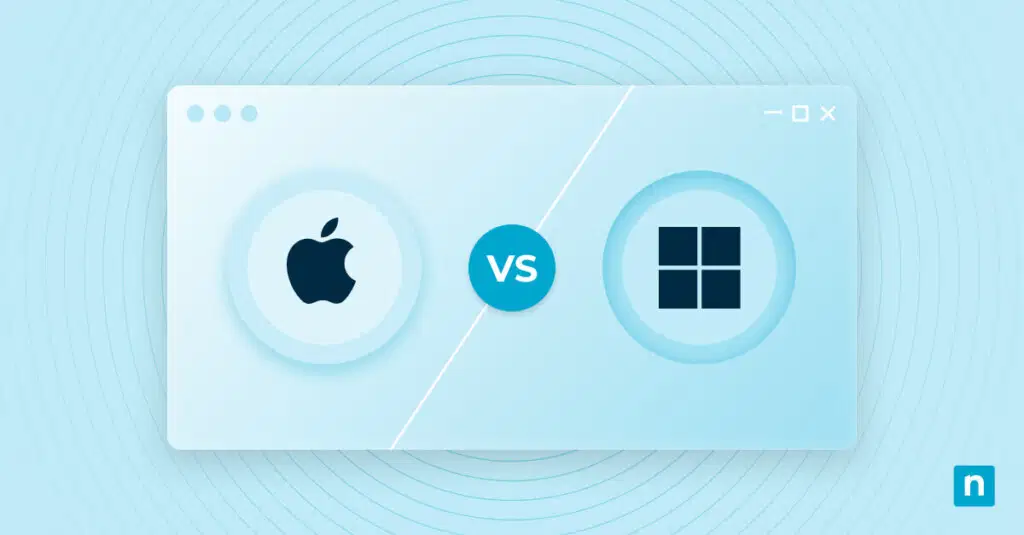
Picking the perfect business computer platform feels a bit like choosing between pizza toppings: everyone has their favorite. So, which is the better option, Mac vs PC? It’s a timeless question that sparks passionate debate.
To answer the question, you first need to understand the differences between Mac and PC (personal computers), as well as the benefits and challenges they may bring to your operation.
While understanding this distinction for personal use is important, this article will share insights on Macbook and PCs for work purposes so you can make the best decision for your business.
What is the difference between Mac and PC?
In short, Macs run on macOS, which is a proprietary operating system developed by Apple. In this comparison, “PC” refers to a Windows computer, although Macs are technically personal computers too. PCs also support Linux and other operating systems. But that’s not all.
There are other differences, notably in hardware. Apple designs the hardware for its computers, ensuring a tightly integrated user experience. As such, Macs generally have limited customization options.
Conversely, various manufacturers (e.g., Dell, Lenovo, Acer) produce PCs, leading to a wide range of hardware configurations and designs. These devices offer more flexibility for customization. Users can build their own PCs or choose from pre-built systems with different specifications.
Why are Macs better than PCs?
Macs have long been praised for their sleek design and intuitive user interface. Apple’s attention to detail and dedication to creating a seamless user experience have earned them a loyal following. Macs are known for their exceptional performance, thanks to powerful hardware and optimized software integration. This combination ensures that Macs can handle resource-intensive tasks with ease. Additionally, Macs are praised for their reliability, as Apple meticulously tests and fine-tunes every component to deliver a stable and long-lasting machine.
In terms of security, Macs have often been touted as the safer option. While no system is entirely immune to threats, macOS has historically been less susceptible to viruses and malware compared to Windows. Apple’s strict control over the hardware and software ecosystem allows for tighter security measures.
Also, the usability of Macs is widely lauded. The intuitive interface, seamless synchronization with other Apple devices, and robust remote capabilities make Macs a favorite among creative professionals and businesses alike. Macs also offer a strong selection of optimized applications through the Mac App Store, and virtualization can cover many Windows-only needs.
Why are PCs better than Macs?
Not to be outdone, PCs offer a range of advantages that make them a compelling choice for businesses. They are widely known for their customization options, allowing users to build a machine tailored to their specific needs. This flexibility extends to hardware upgrades and repairs, which may make PCs a more cost-effective option in the long run. Additionally, PCs offer a wider range of price points, making them more accessible to businesses with budget constraints.
In terms of software compatibility, PCs have a clear edge. Windows has a larger market share, resulting in a broader range of software applications available. This is especially relevant for businesses that rely on industry-specific software that may not be available on macOS.
Furthermore, PCs tend to offer more gaming options, as many game developers prioritize Windows compatibility. For businesses that require intensive graphical or gaming capabilities, PCs may be the better choice.
On the battlefield: Comparing 5 elements of Mac vs PC
1) Mac vs PC: Performance
When it comes to performance, Macs are prized for their exceptional speed and smooth operation. Apple’s integration of hardware and software ensures optimized performance across the board. These devices are equipped with powerful processors, ample RAM, and fast SSD storage, enabling seamless multitasking and resource-intensive tasks. Current Macs run on Apple silicon, chips Apple designs in-house to work closely with macOS. With macOS 27, released in September 2026, Apple dropped support for Intel Macs, so every Mac that can run the latest macOS uses these chips.
Because PCs offer such a wide range of machines, the performance can vary significantly depending on the components chosen. Customization options allow you to prioritize certain aspects, such as CPU power or graphics capabilities, to suit your specific needs.
2) Mac vs PC: Reliability
Reliability is a key factor for businesses looking to invest in computers, as any downtime can result in significant financial losses. Macs are famous for their reliability thanks to Apple’s meticulous quality control. Each component is rigorously tested to ensure stability and longevity.
A major difference between Mac and PC when it comes to reliability is that a PC’s reliability depends entirely on the manufacturer, software load, and components chosen. While some PC brands have built a reputation for reliability, you have to do some research to identify the ones that consistently manufacture reliable machines.
3) Mac vs PC: Security
Usability is essential for businesses, as it affects productivity and user satisfaction. Macs are well-regarded for their intuitive user interface and seamless integration with other Apple devices, making them particularly appealing to creative professionals. Additionally, Macs excel in remote capabilities, allowing users to seamlessly connect and collaborate with colleagues from anywhere.
PCs offer a wide range of usability options, as Windows is highly customizable. Remote capabilities are also well supported on PCs, making them a viable choice for businesses that require remote work. But again, the capability will depend on your chosen manufacturer.
4) Mac vs PC: Usability & remote capabilities
Usability is essential for businesses, as it affects productivity and user satisfaction. Macs are well-regarded for their intuitive user interface and seamless integration with other Apple devices, making them particularly appealing to creative professionals. Additionally, Macs excel in remote capabilities, allowing users to seamlessly connect and collaborate with colleagues from anywhere.
PCs offer a wide range of usability options, as Windows is highly customizable. Remote capabilities are also well supported on PCs, making them a viable choice for businesses that require remote work. But again, the capability will depend on your chosen manufacturer.
5) Mac vs PC: Software compatibility
When it comes to software compatibility, Macs offer a robust selection of applications through the Mac App Store and directly from developers’ websites. Additionally, Apple silicon Macs can run Windows 11 on ARM through supported virtualization software, though some Windows apps may not work. Compatible Intel-based Macs also support dual booting through Boot Camp.
PCs, however, have a clear advantage in terms of software compatibility. Windows has a larger market share, resulting in a broader range of software applications available. If you require specific software that may not be available on macOS, PCs may be the better choice.
Trying to decide between Mac and PC? Watch Mac vs PC for business to weigh the pros and cons.
Macbook or PC for work: Making the right choice for your business
Choosing between a Mac and a PC for work ultimately depends on your specific needs and preferences. Macs offer a sleek design, exceptional performance, reliability, security, and seamless integration with other Apple devices. They are typically seen as an excellent choice for creative professionals and businesses that prioritize user experience.
PCs provide customization options, broader software compatibility, a wider range of price points, and flexibility in terms of hardware upgrades and repairs. They are a compelling option for businesses with budget constraints or specific software requirements.
It’s unlikely the eternal Mac vs PC debate will be resolved any time soon (if ever), largely because the answer depends on your operation. So, consider your business’s specific needs, evaluate the pros and cons of each platform, and make an informed decision that aligns with your goals.
If your business supports both platforms, NinjaOne Endpoint Management lets IT teams monitor and manage Windows, macOS, and Linux devices from one console. For Macs that need deeper control over system settings, security policies, and apps, NinjaOne MDM adds Apple device management. Try NinjaOne for free today to establish a rock-solid security base for all your devices.